Could you let me have one of these problem drawings so I can run some tests.
Zipped here:
The .dxf
TurboCad’s DXF settings (tho’ I’ve tried all DXF options and the problem stays the same)
How it looks in TurboCAD
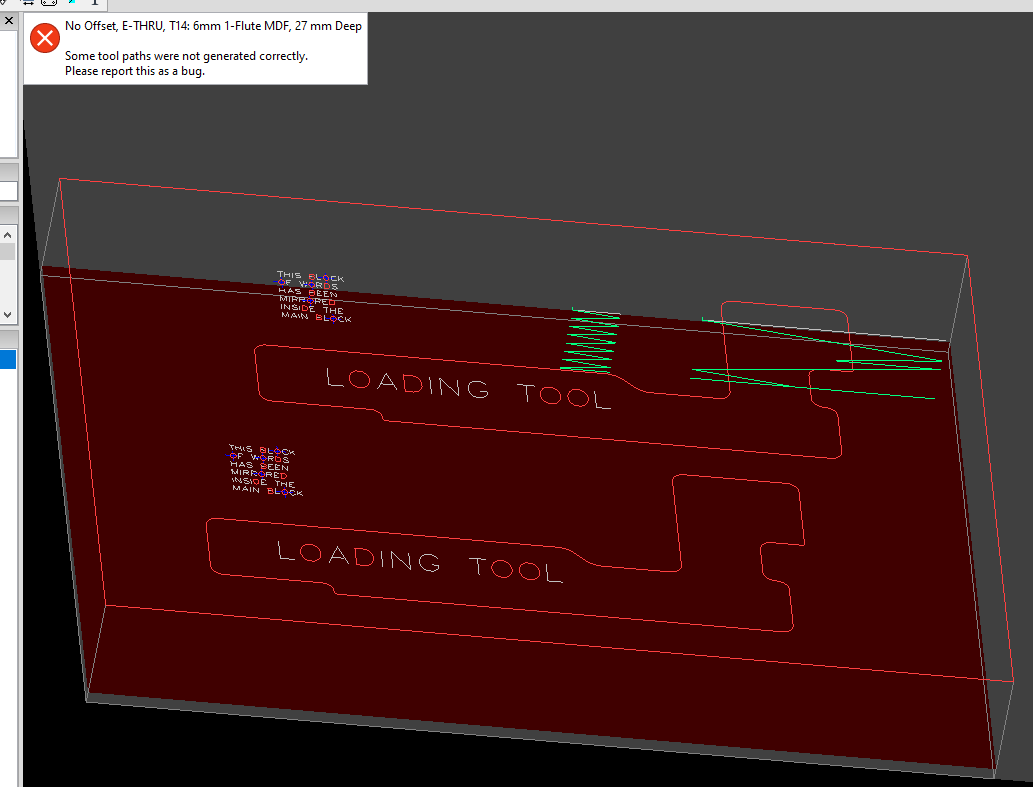
How it looks imported into SheetCAM
The .job
Have fun!
Cheers,
Ian.
SheetCAM-Mirror.zip (85.5 KB)
Hi Ian,
I just tried opening your dxf with 5 different cad packages. 4 agreed with SheetCam. One agreed with Turbocad.
The question is - which is right?
Unfortunately this is a common problem with dxf. When Autocad released the dxf specs their docs were pretty weak and they haven’t really improved over the years. As a result pretty much every cad package interprets the docs differently. Text is so bad I don’t even bother trying to support it.
After looking at what Turbocad is doing and consulting the documentation further I think that although what they are doing is a bit odd, it is technically correct. The change will be in the next release.
Thanks Les. It’s not the only issue I get with DXFs and TurboCAD. But it is the one that’s nearly impossible to work around. Scaling is another ‘feature’… so many programs (including TC) will load a DXF and not recognise it as metric. Resulting in houses that are five thousand inches tall, or little parts like control knobs being 25" in diameter. Guess it being Merican is why the assumption that everything is in inches 
Dxf files don’t specify units, which as you say can cause all sorts of scaling issues.
Re this bug-ette: https://sheetcam.discoursehosting.net/t/error-in-sheetcam-slot-operation/6721/1
Reckon the fix might be in the next release, too? Pretty please?
Yup, It should be up on the website now.
Hate to be the bearer of bad news, but SheetCAM is asking me to report a bug. Appears to be related to “Occasional incorrect tool paths when ramping an open contour”. And the reflected-blocks thing seems to be still there.
I’ve upgraded to 6.9.15 and rebooted Windows for good measure.
“Occasional incorrect tool paths when ramping an open contour”: it seems subtly different now. The return ramps are being cut away, but any intermediate-depth flatcut isn’t being completed. For example, I’ve made a cut 27mm deep, with 9mm passes. So there should be flat-bottom cuts at 9mm and 18mm. The 9mm one seems to be missing and the 18mm is only part-cut. That leaves ~20mm of material to be cleared during one of the ramp moves.
“DXF not reflecting blocks correctly when a negative Z scale is used”: sadly doesn’t appear much changed. In a previous version (6.1.45) I experimented with setting the Z-scaling to +1 for mirrored (actually in TurboCAD rotated-180-about-Y-axis) blocks. But it made no difference to SheetCAM. So I wonder if the -1 Z scaling isn’t the direct cause of the problem?
6.1.45 is the latest version I’m aware of without the “Occasional incorrect tool paths when ramping an open contour” issue which is quite important in my drawings, so I’ll use that for now.
Cheers,
Ian.
MirrorTest.DXF (774 KB)
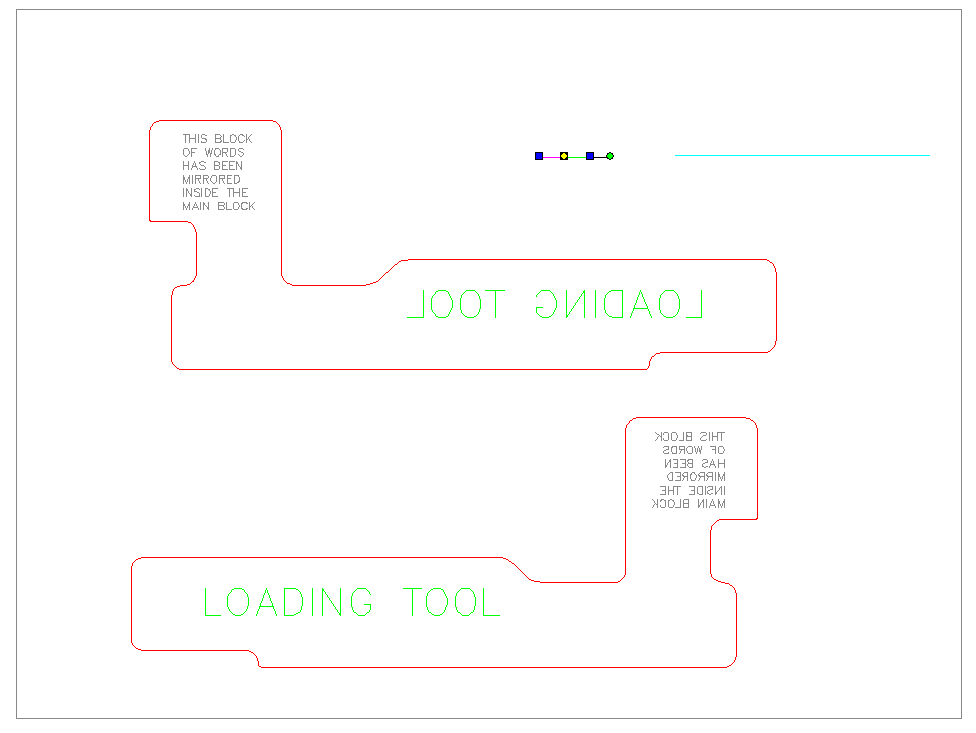
Hmm, looks like it’s Z extrusion, not Z scale. OK I’ll fix it in the next release.
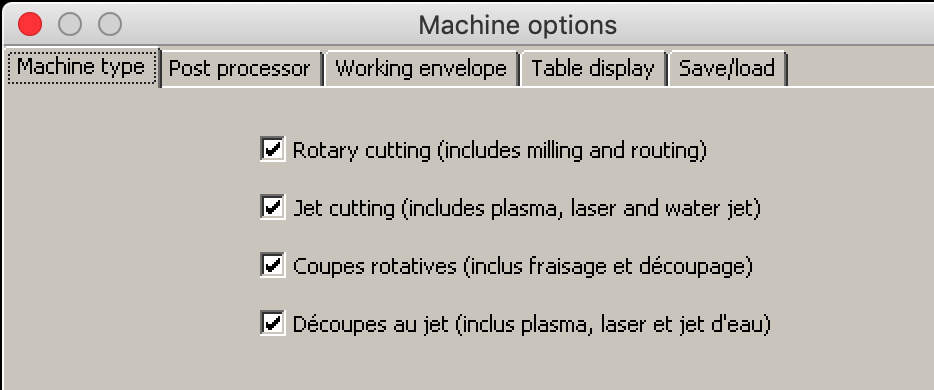
I have bug in few recent patches. When I try to print background became black and I will print black area which I don’t want.I’m using 6.1.74 because this version works fine yet.
That can happen if you run SheetCam in English then switch to French or vice-versa. I’ll see what I can do about it.
Thanks for letting me know. I’ll fix it for the next release.
Are you using the Linux version?
No it’s windows version using Wine on Mac. I don’t think I ever changed language to french. I did now and then I got double french version.
Hey Les,
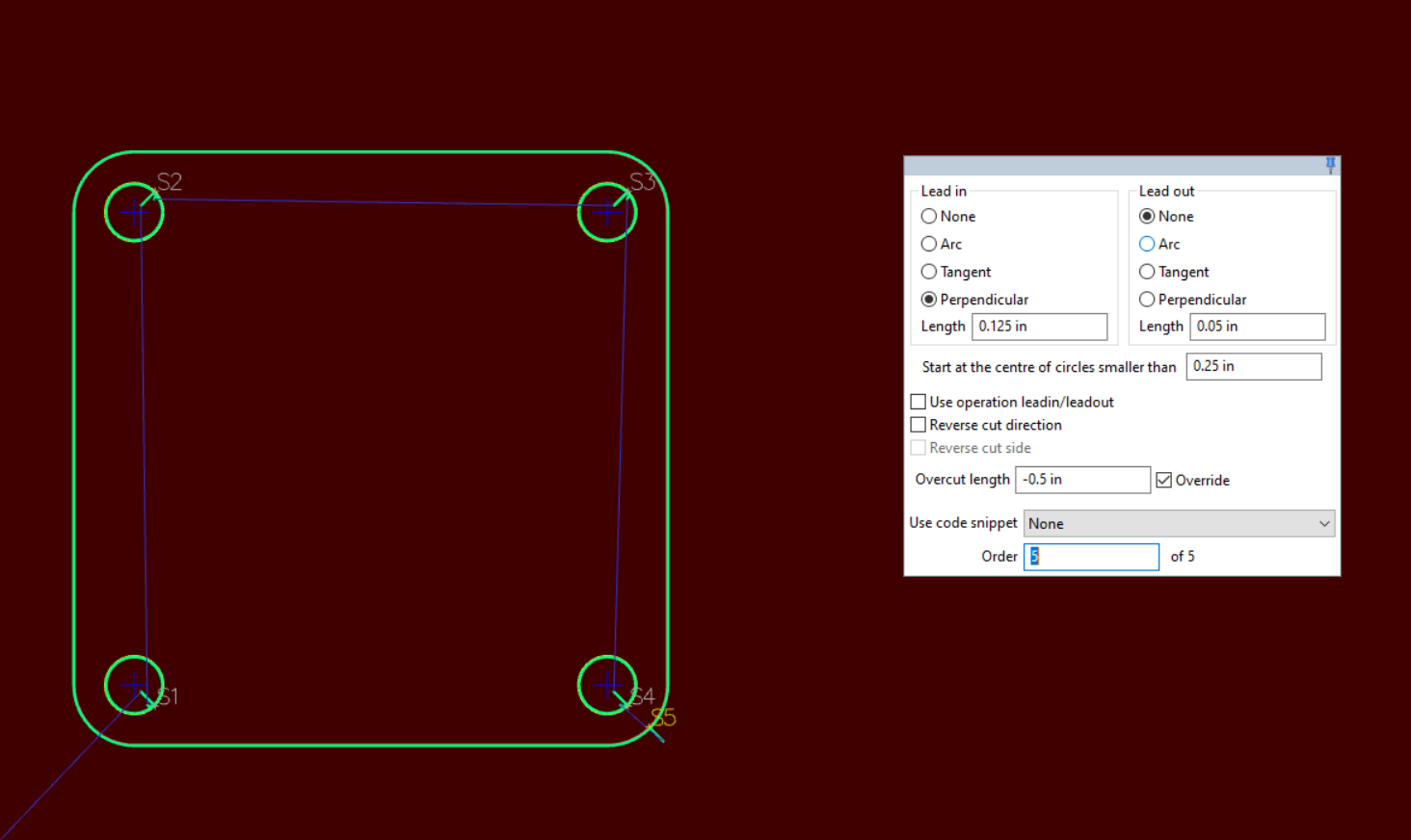
Is there any way you can do something about the negative overcut bug sometime soon? It is one of my top 3 pet peeves of bugs. We found it what seems like over a year ago and its an issue for us almost every day.
Sample.job (37.3 KB)
Don’t know if this is a “bugs” item or not but here goes!
Is there a way using looped outside corners with tangent lead-in selected to ignore the loop at the start point? It seems to work with arc lead-in like I think it should but not tangent… or am I missing something?!
Thoughts?
Thanks, Steve
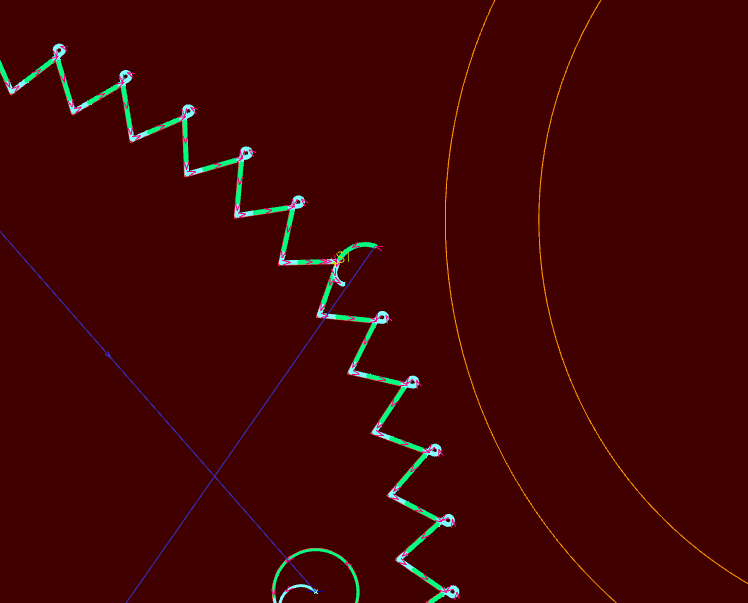
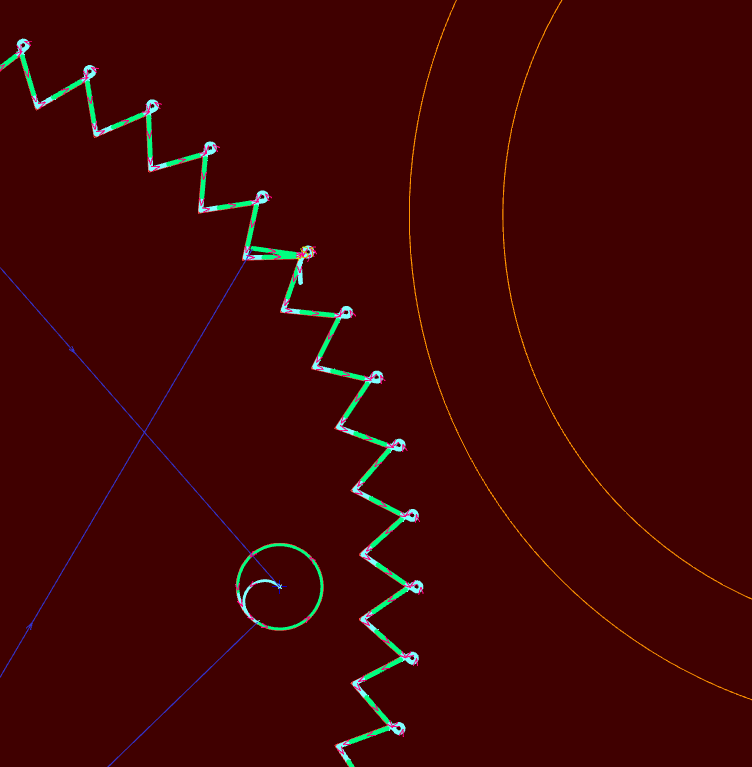
Try it without a overcut, that’s probably what’s causing that.
That worked! I completly overlooked that one, Thanks.