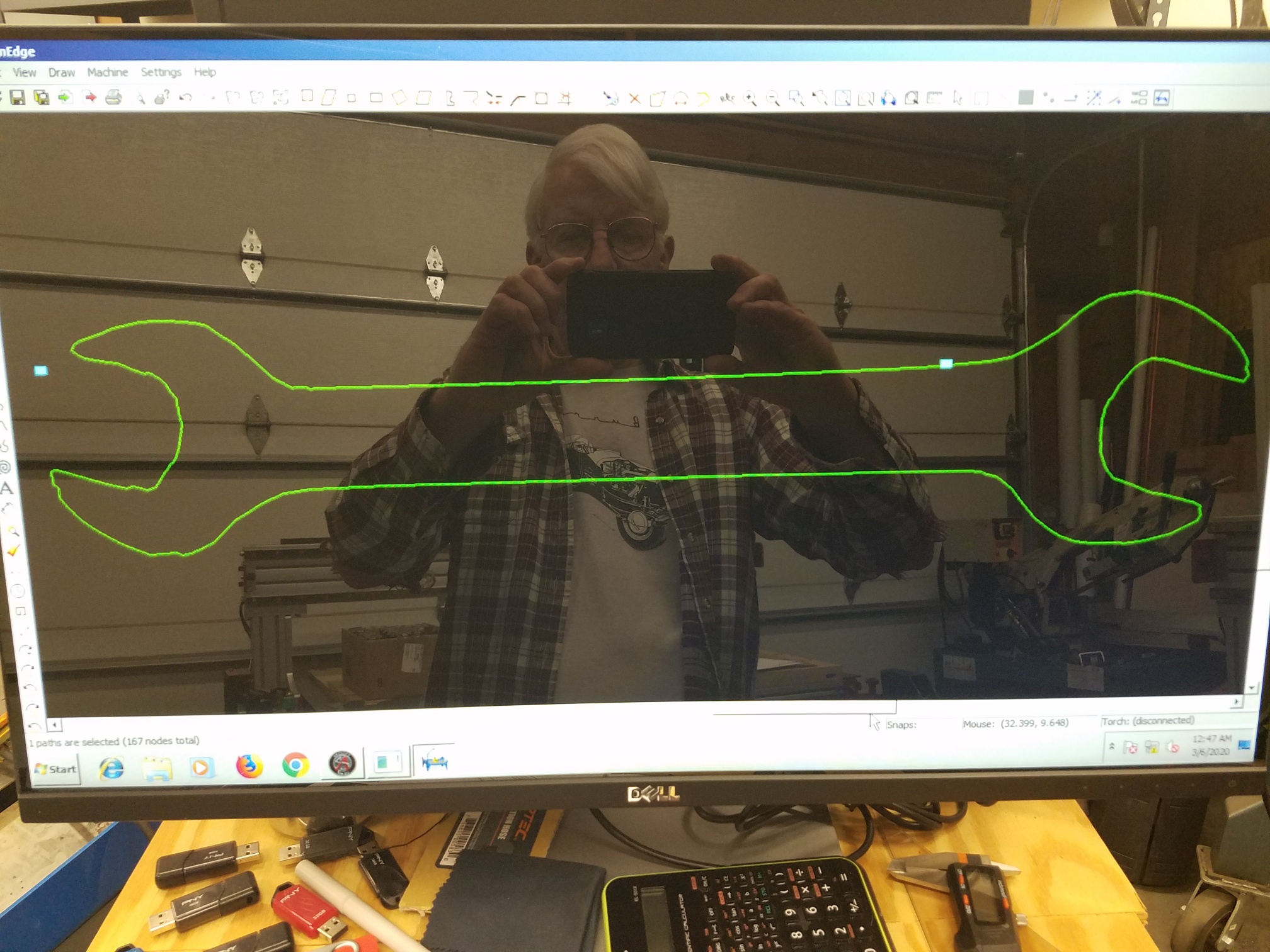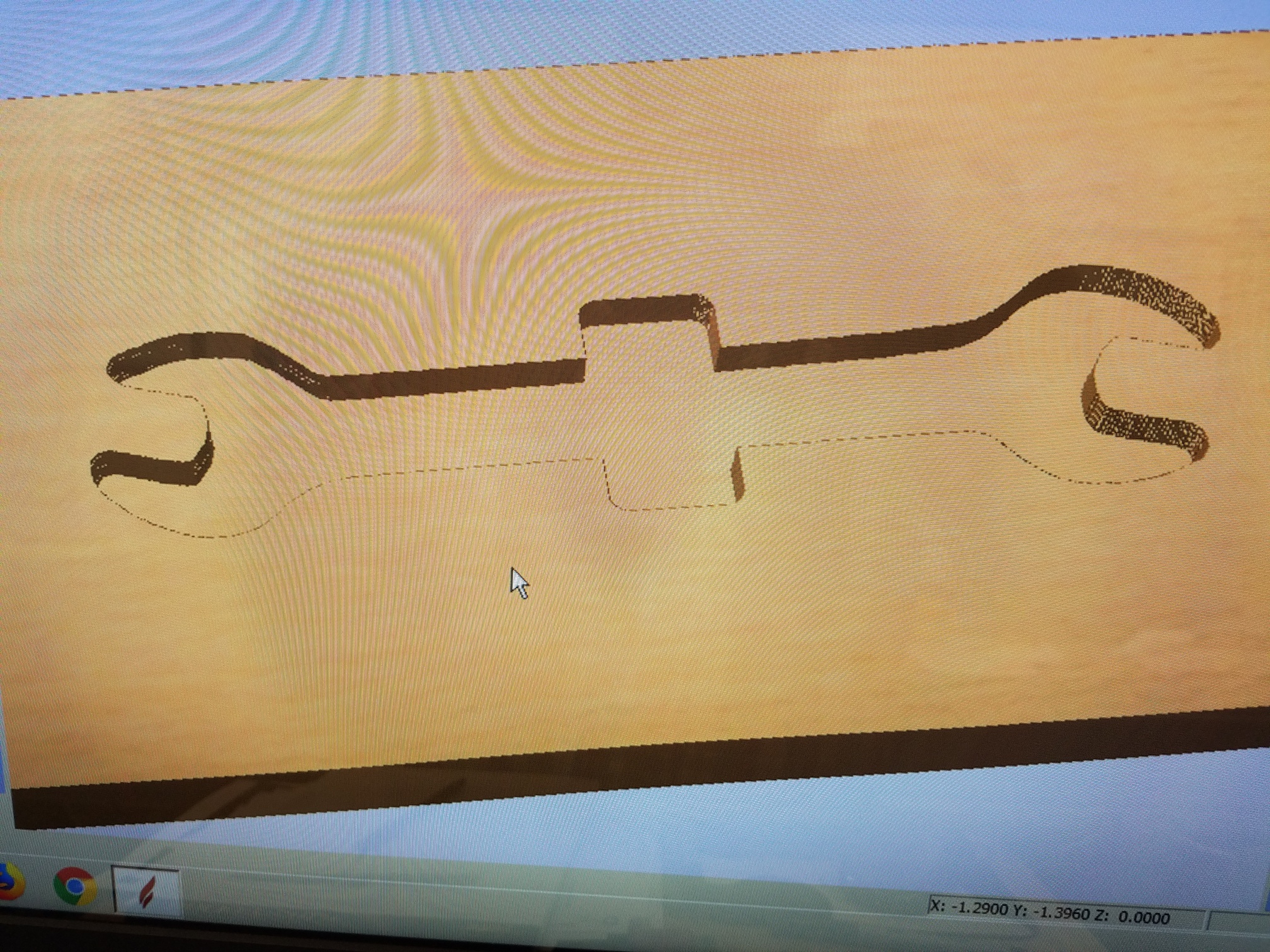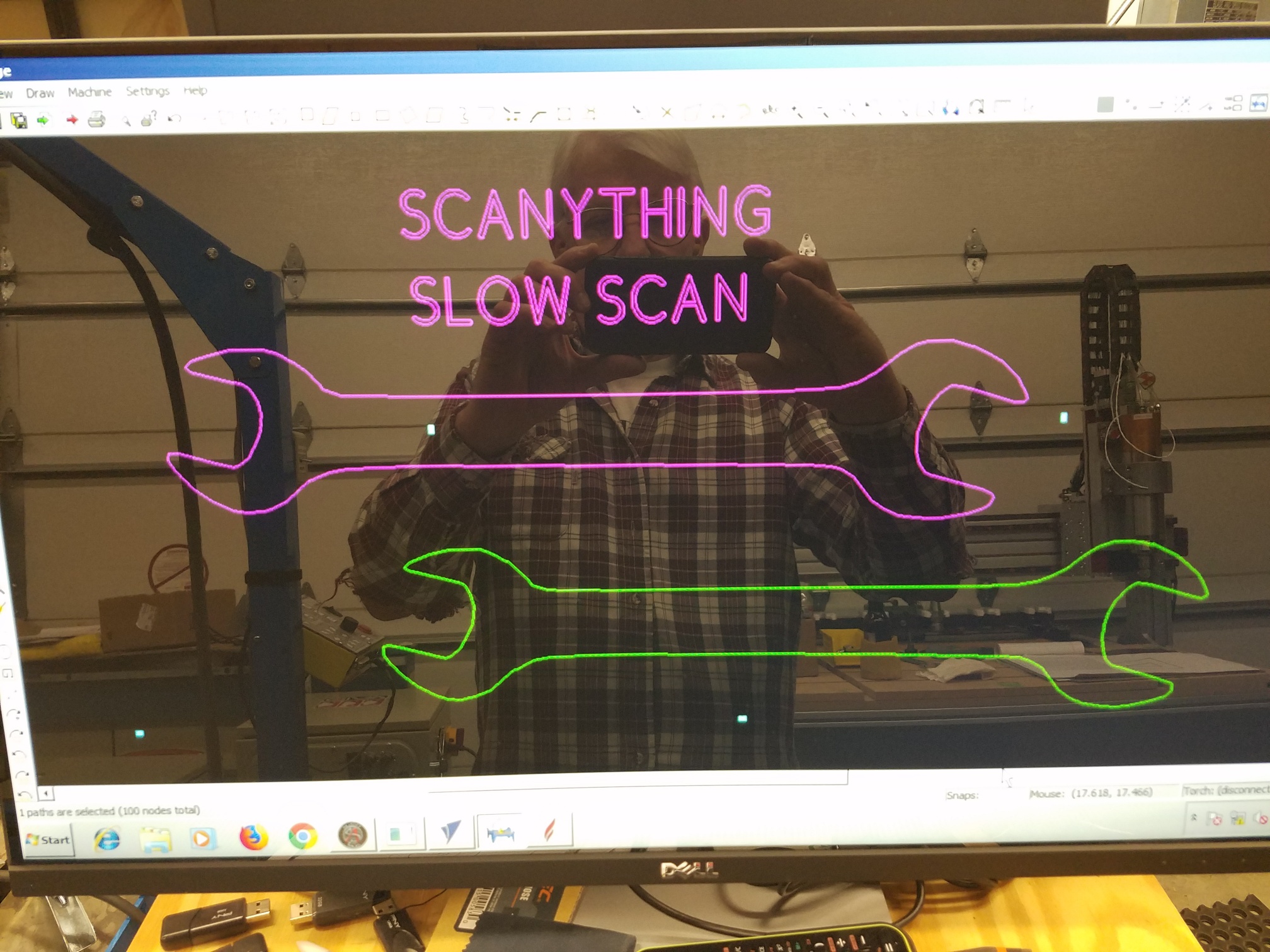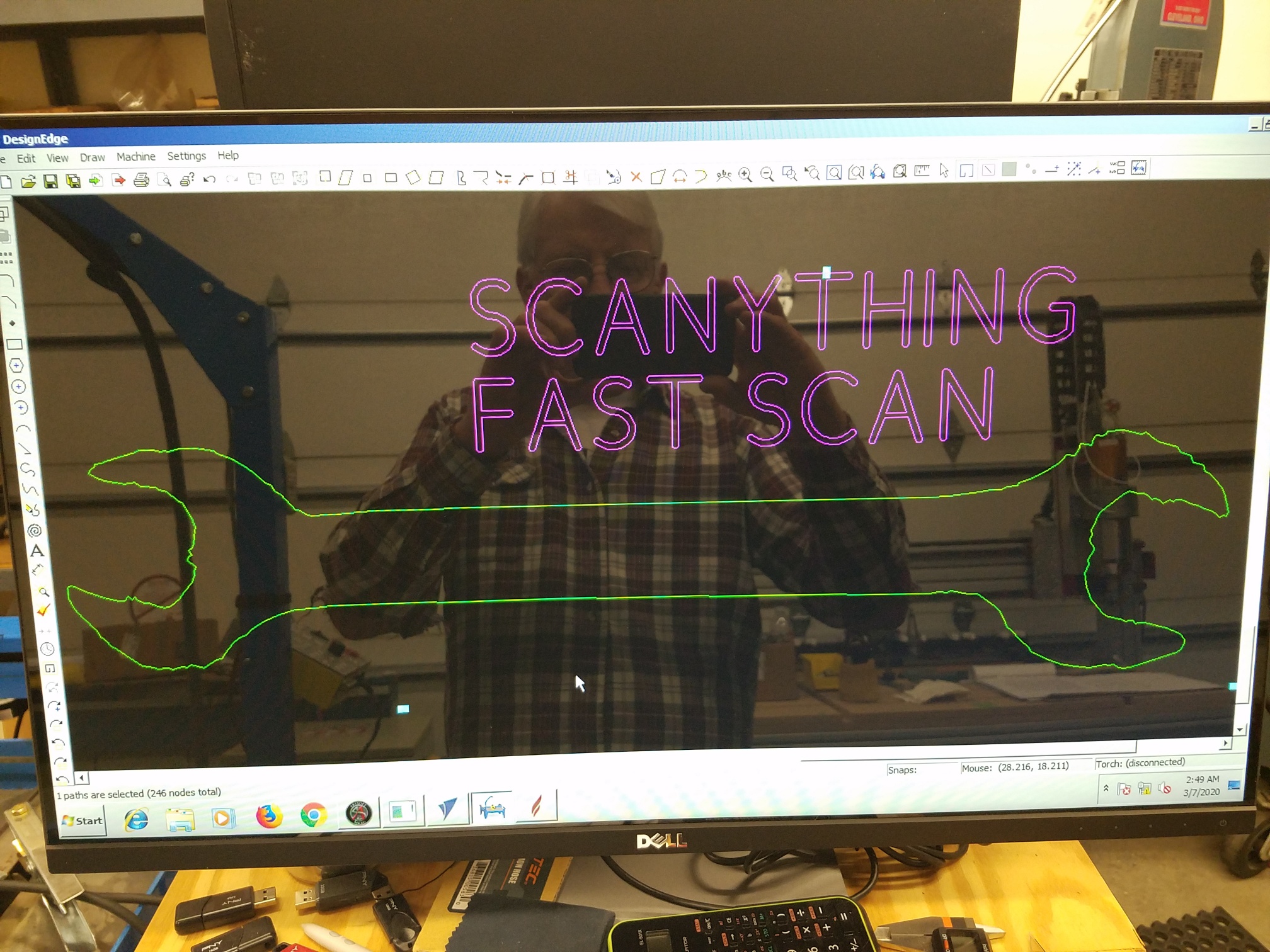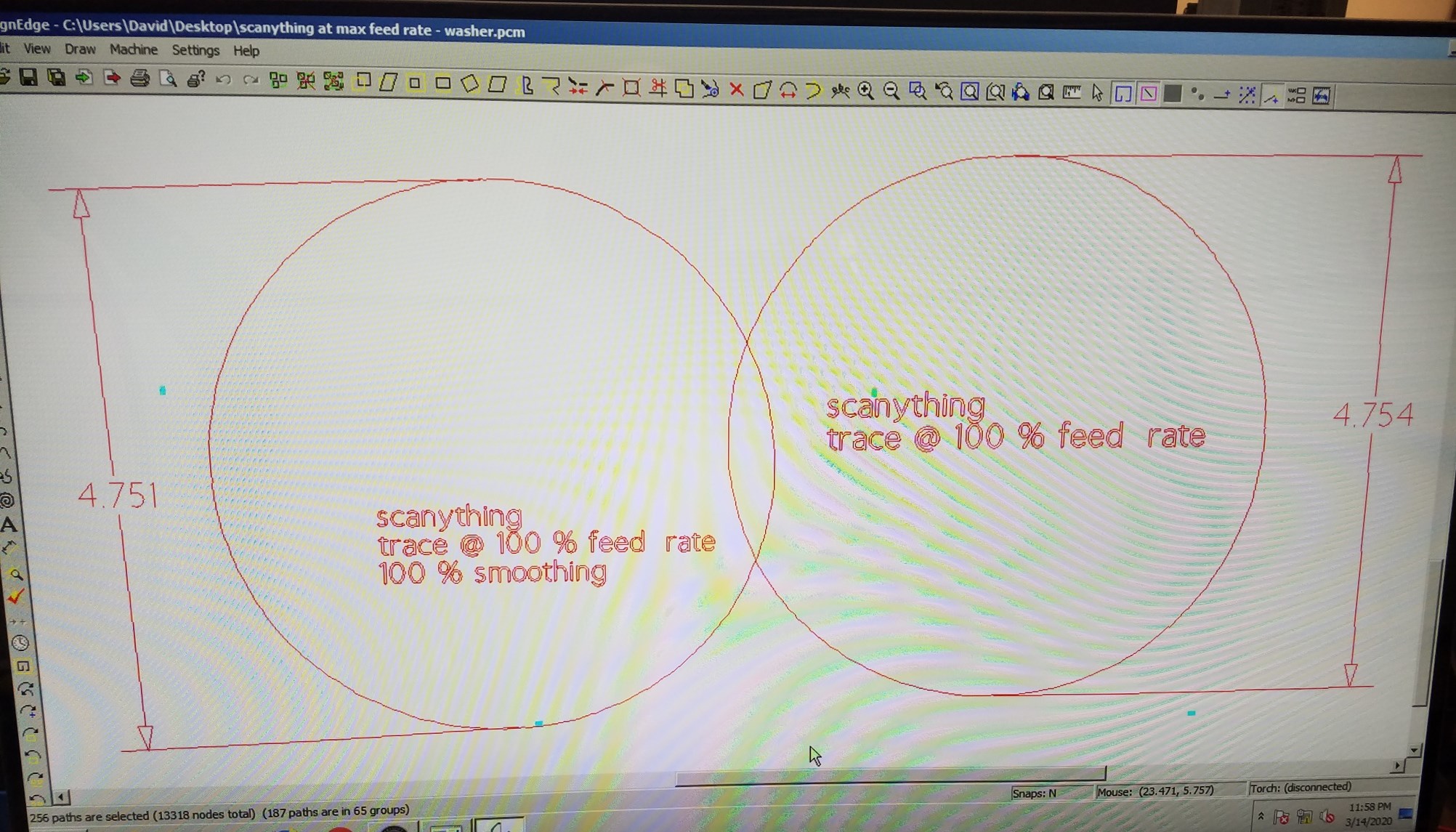
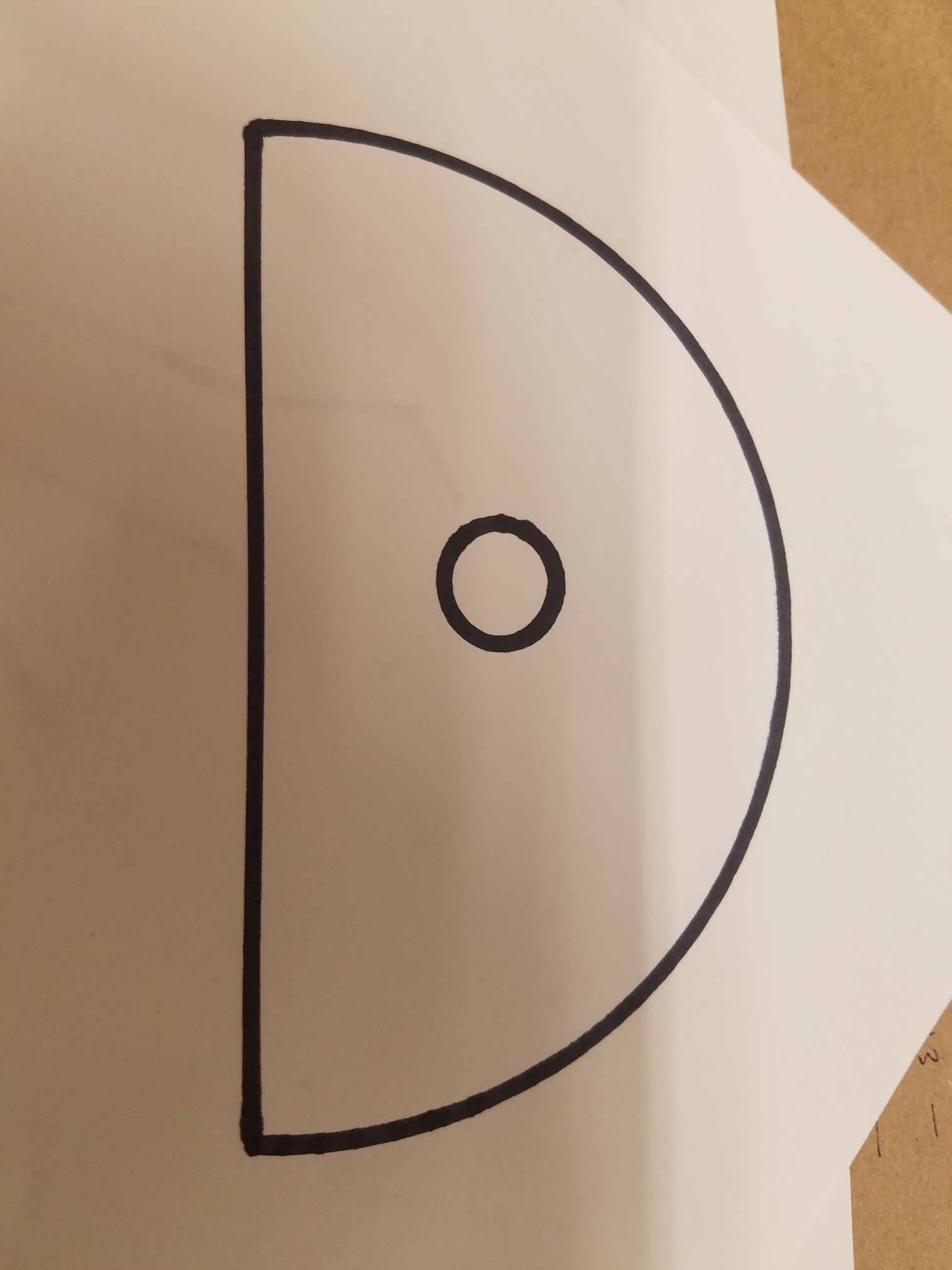
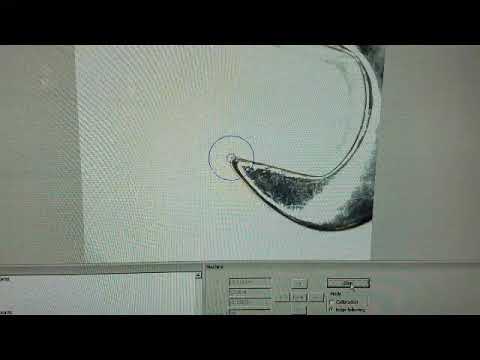
I scanned an open end wrench (shown in the last video). Here is what the resulting dxf file opened in PlasmaCAM Design Edge.
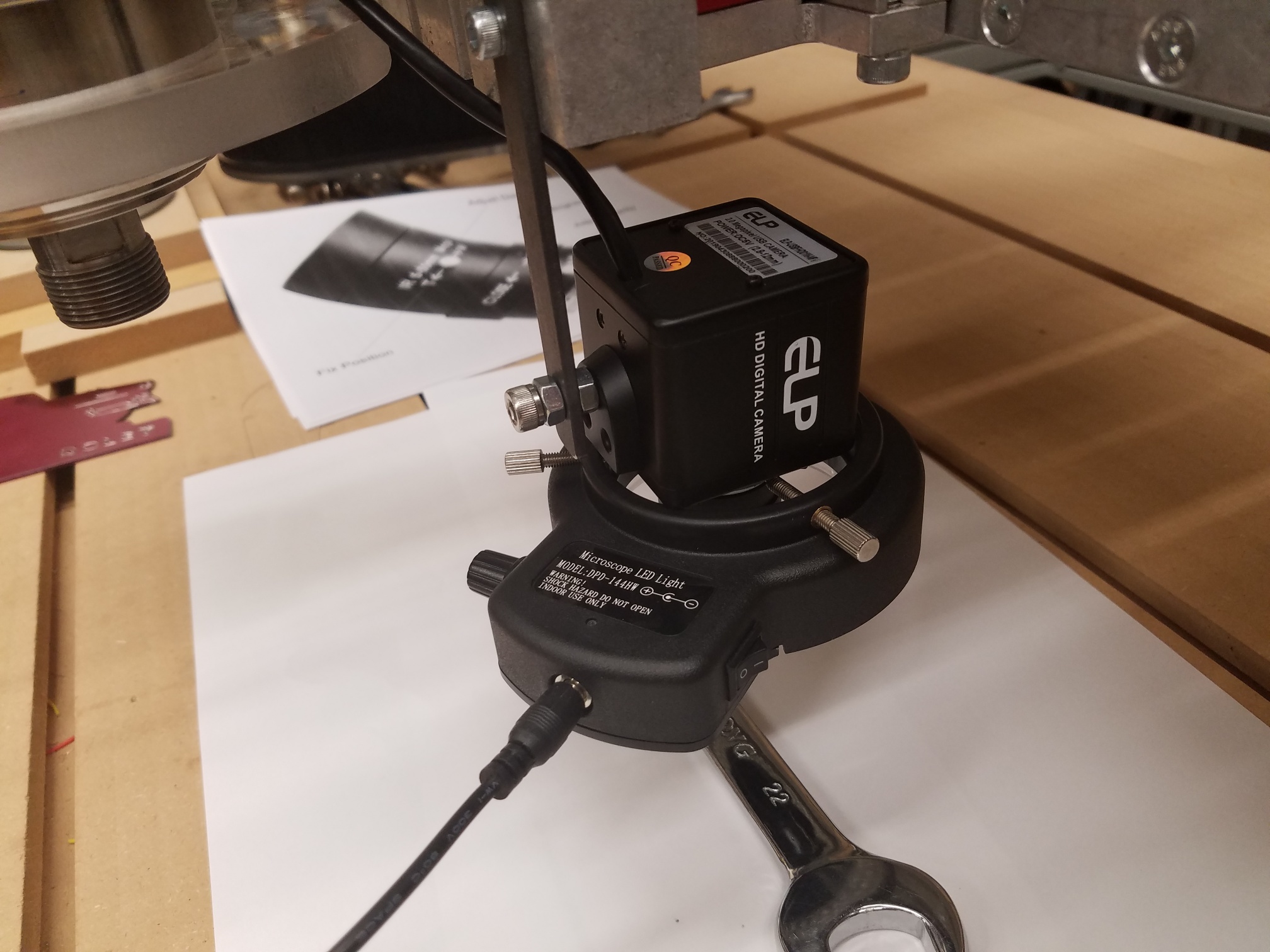
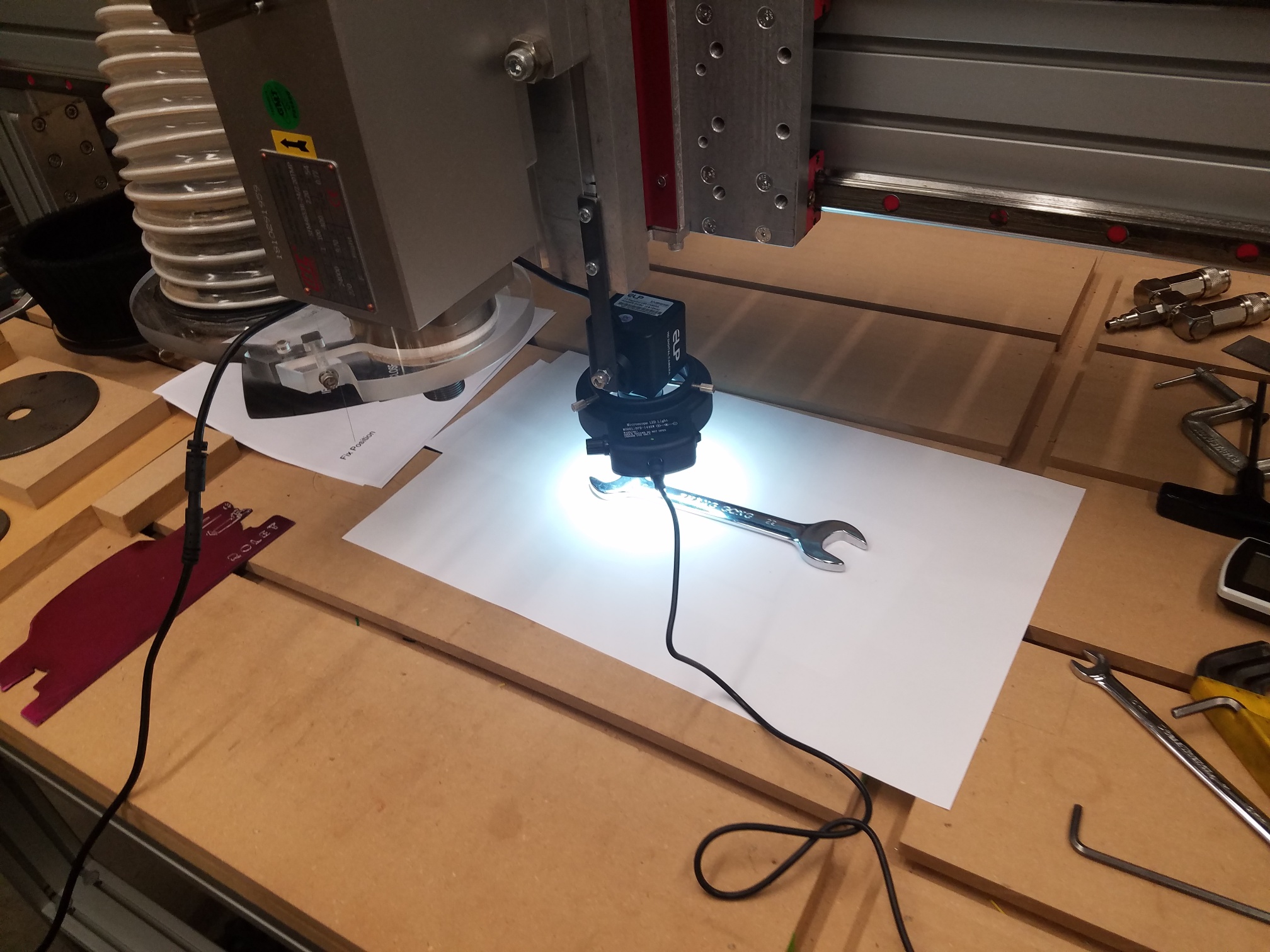
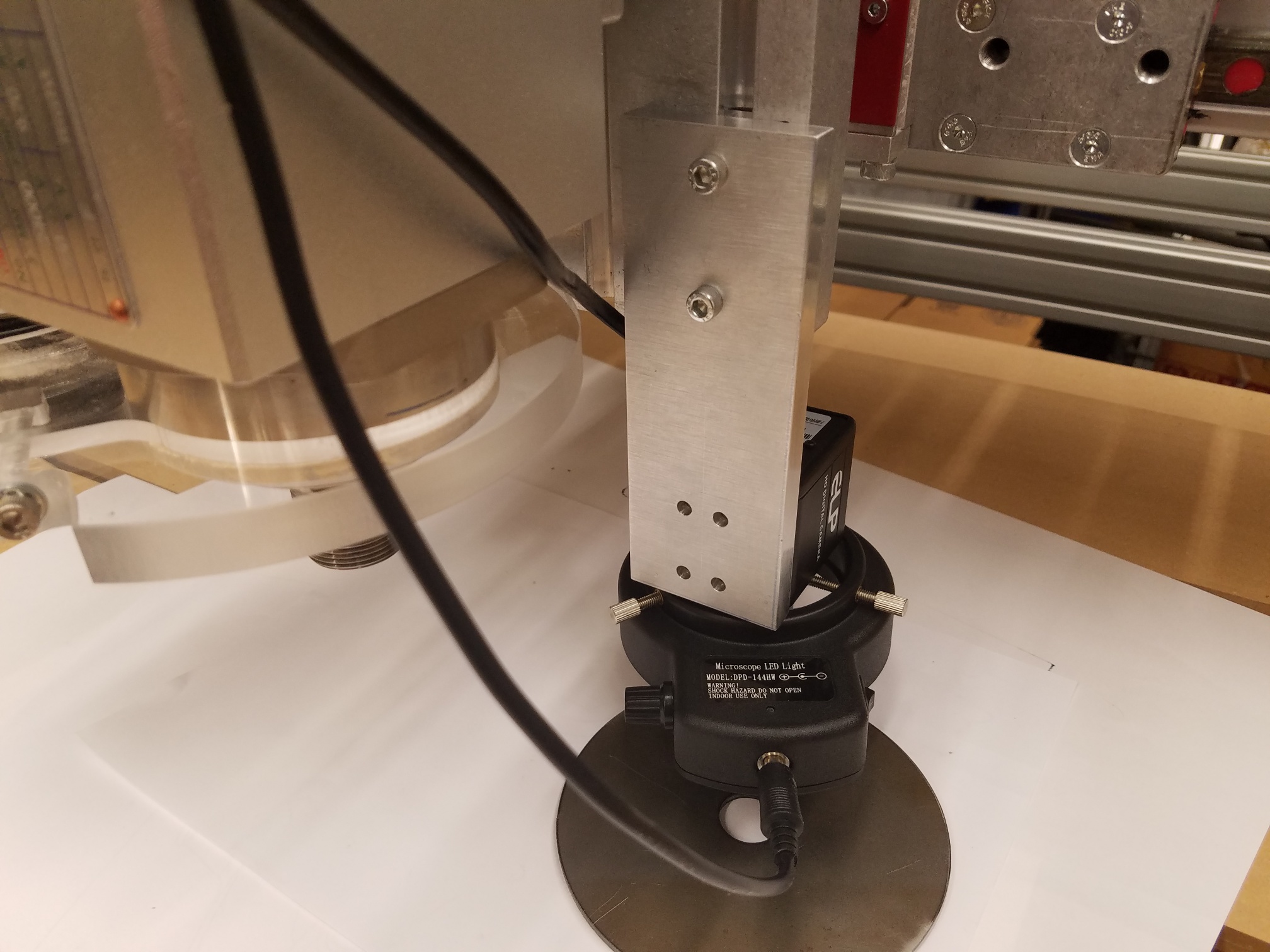
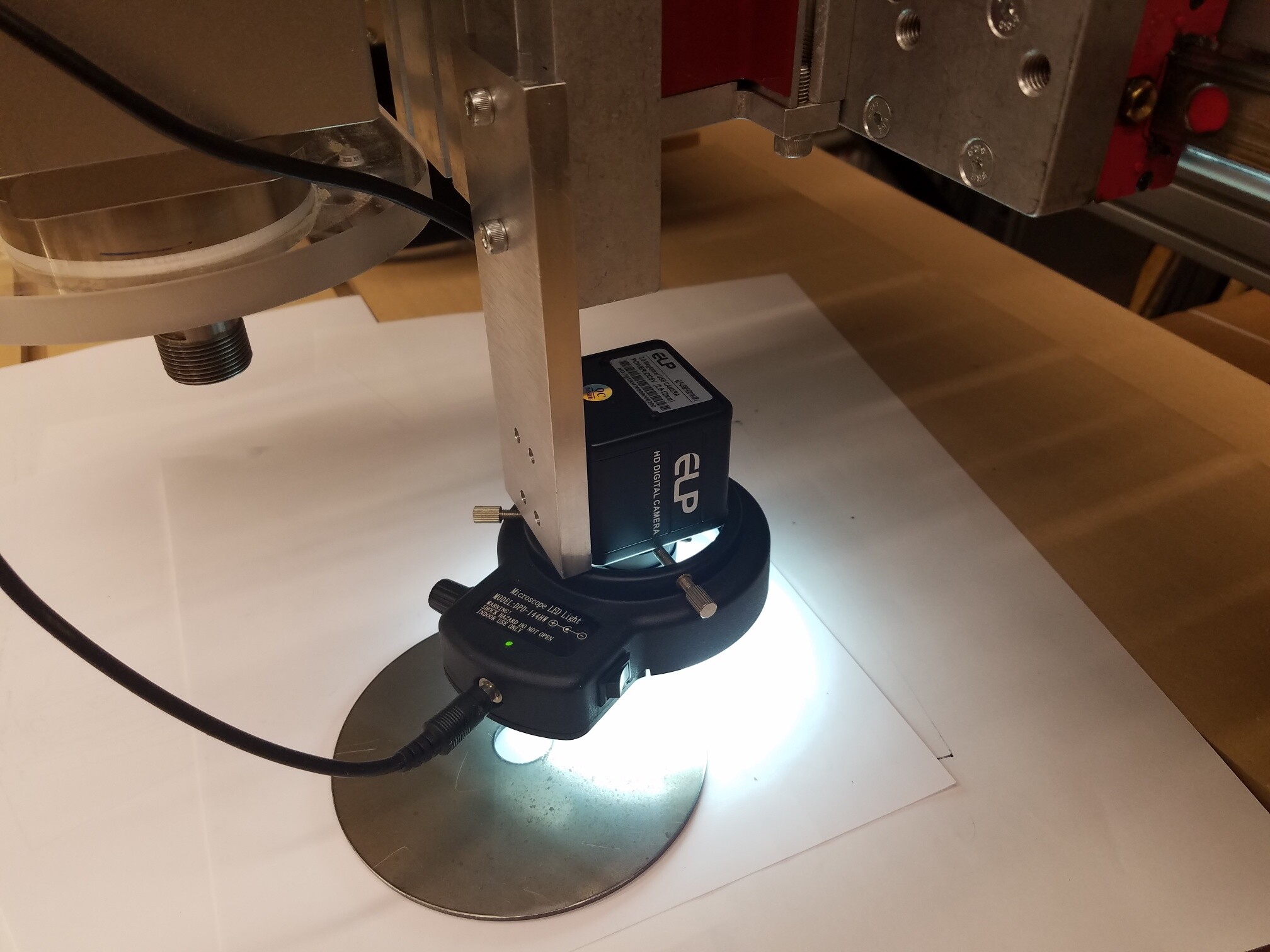
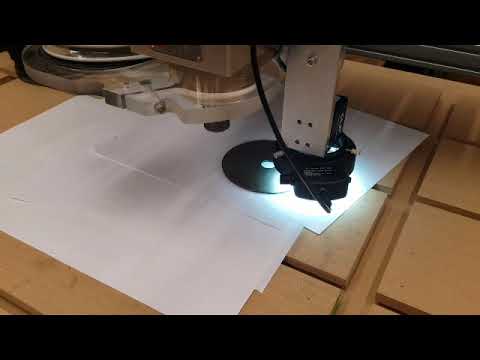
This is my camera/ring lamp setup.
Hi Les,
I did just purchase a license for Scanything from your website. I think your program will be a great addition to my CAD/CAM arsenal.
Thanks,
David
www.desert-hybrids.com

Sorry for the delay in replying.
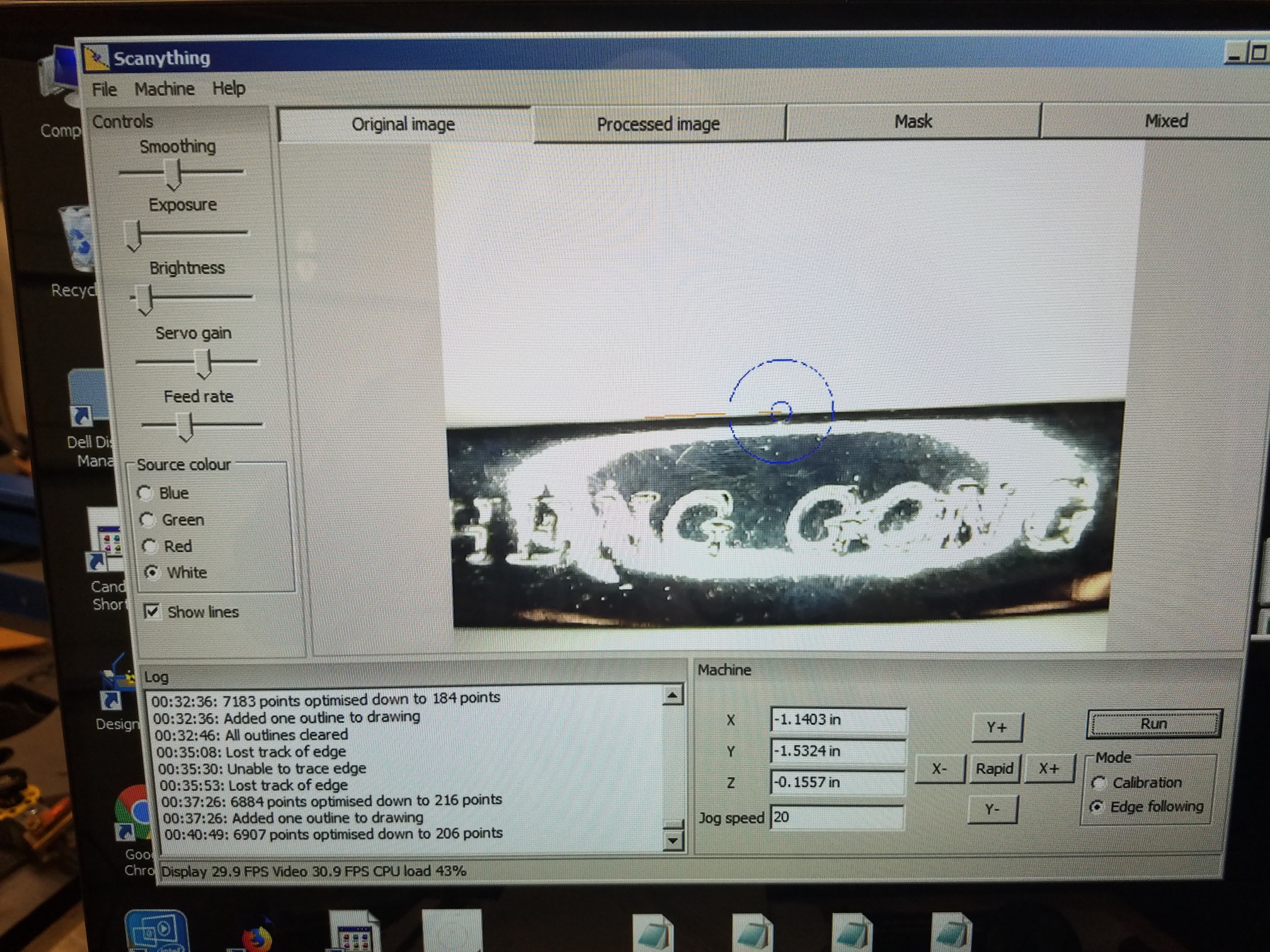
That’s pretty normal. As long as the circle stays roughly near the middle it won’t affect accuracy. The actual image to vector conversion is a lot faster than the machine movement. It tends to scan a bit then stop and wait for the machine to catch up.
My fps stays around 30, and the CPU load around 45% regardless of my settings changes. Should I be concerned, or is this OK?
The FPS is good. CPU load seems a little high but not too bad. Smoothing is a CPU hog so turning it down may help. Running slightly out of focus has a very similar effect to smoothing.
There is one feature that I wish Scanything had, and that is the ability to save a partial trace without having to trace all the way around the part.
Yup, that’s in the next release, along with lots of other changes. It’s taking me a lot longer than I’d like to get the new version working. At the moment I can’t give an estimate for how long it will take.
You have been scanning some pretty tricky surfaces. Reflective surfaces are hard to scan due to stray reflections. If the item is waterproof, a few light coats of temporary black hair spray can help a lot https://www.ebay.co.uk/itm/Party-Success-Colour-Hair-Spray-Temporary-Hair-spray-Wash-Out-Hair-Colour-Spray/352921514577?var=622174559466&hash=item522bc2f251:g:w6AAAOSwt-BeEgsR. It can be washed off afterwards. Some hair sprays can be glossy but you can get around that by using several light mist coats. I haven’t yet found a good matt black water soluble spray.
I’d recommend using mainly the mask or mixed views when setting up. You get a much clearer view of what Scanything is catually seeing.
Hi Les,
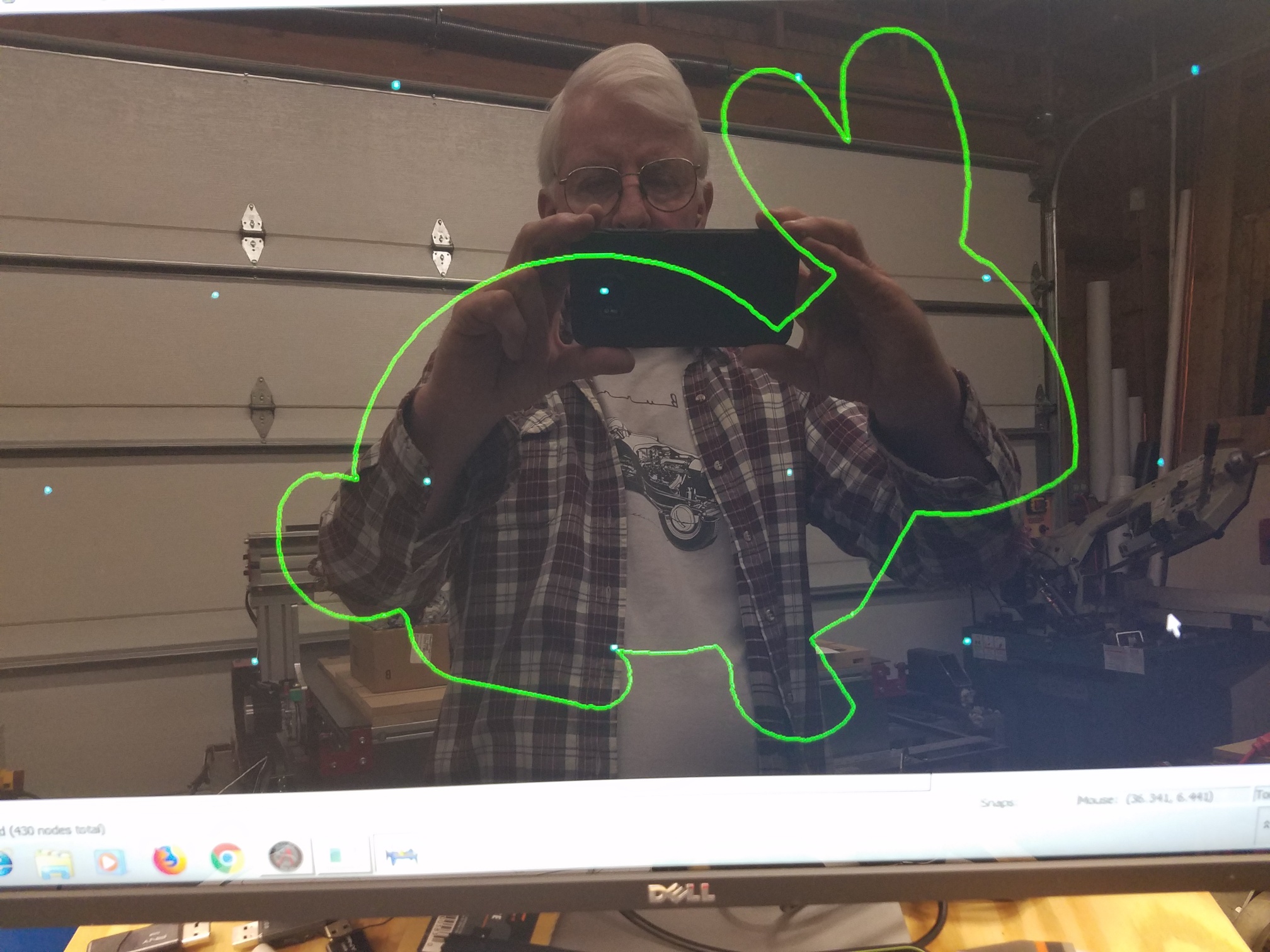
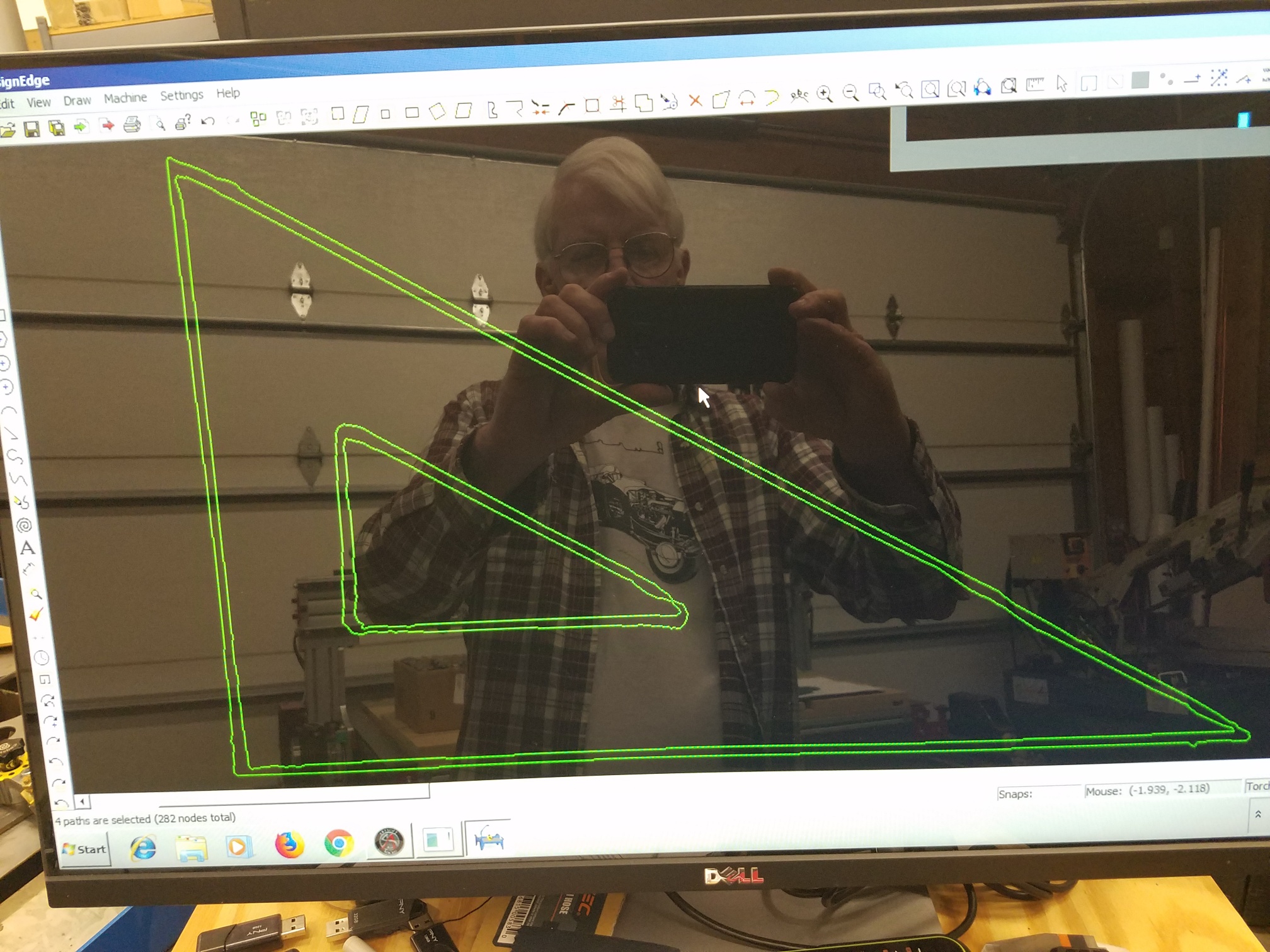
Thanks for your response. I’m happy to hear that the camera target circles “bouncing” is a normal phenomena, and not a result of my using the ESS instead of the parallel port. I do have one other question with regards to the camera/tracer “accuracy”. I will illustrate this with the photos below. I have discovered that if I really slow down the Feedrate, I get very nice results with smooth contours around the trace. If I increase the Feedrate (but still less than 50% of the slider range) portions of the trace become jagged. Is this a normal phenomena, or perhaps caused by either the ESS or a problem with the rigidity of my camera mount? I don’t have a problem running the Feedrate slow, and I would rather have a “clean trace” than spend lots of time doing node editing.
I was also wondering if you will at some point in the future be offering versions of Scanything for Mach4 or Centroid CNC12. When I purchased my CNC Router Parts (now Avid CNC) about a year ago, they were offering Mach3/ESS which is what I have. They have now done away with the Mach3 in favor of Mach4. Avid sells a “ton” of machines and I would expect that many of the buyers would be interested in using Scanything with their tables.
Thanks for all of your help!
David
Those jagged edges look like camera movement to me. How solid is your mount?
Another possibility is a timing issue with the ESS communication.
I am working on a version of Scanything that is easier to transfer to different controls. Mach4 is on the to-do list. I don’t know if Centroid have a facility for directly controlling the machine movement.
UCCNC now has an API installed with the software that allows you to directly control machine movement without a licence but only with UC motion controllers.
API is in c# or VB via .net (I believe… Not used it though)
Hi Les,
The mount is not all that solid. It was temporary to test. I am making a more substantial mount from 3/8" thick Aluminum plate. I am thinking it is the camera moving with the mount flexing. I notice when I do a quick jog in the Y direction that I can see the image moving back and forth on the screen. Also I can tap the camera with my finger and see movement on the screen. I will keep you updated on my progress. I should have the new mount finished in the next several days.
I am using the Centroid Acorn controller on one of my other cnc routers. The control program is called CNC12. It is a free download for testing - but they limited the size of the g-code program with the free version. I don’t think this would be a problem for testing. I am running their “Pro” version so I can run the Auto Squaring of Software Paired axis with auto homing for my machine. Alot of the guys seem to be switching from Mach to Centroid. I thought I’d try it out. It seems to be pretty well supported, and pretty much “open source” as far as the macros go.
David
Hi Les,
I have upgraded my camera mount to a much more substantial 3/8" thick billet aluminum bracket.
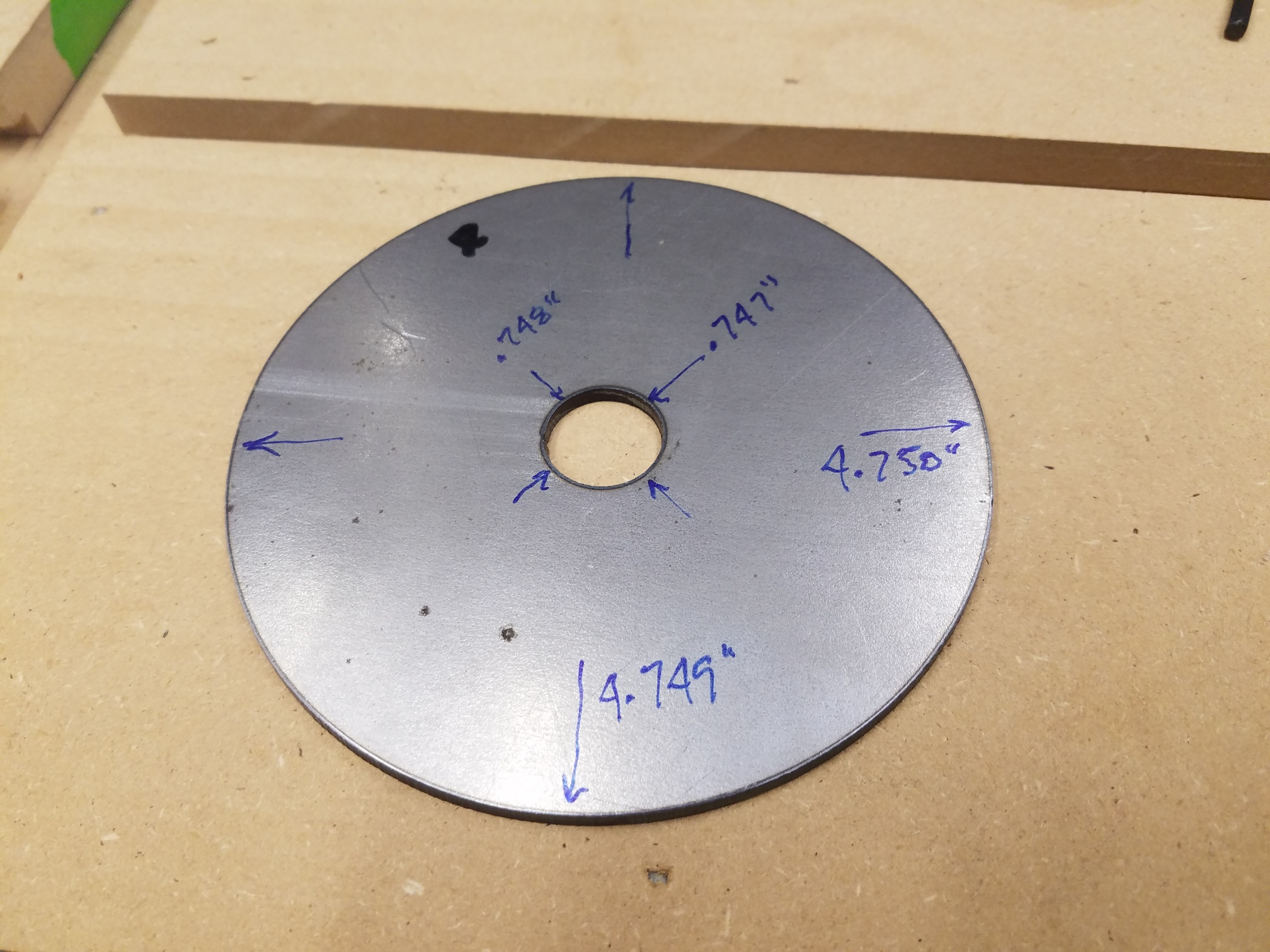
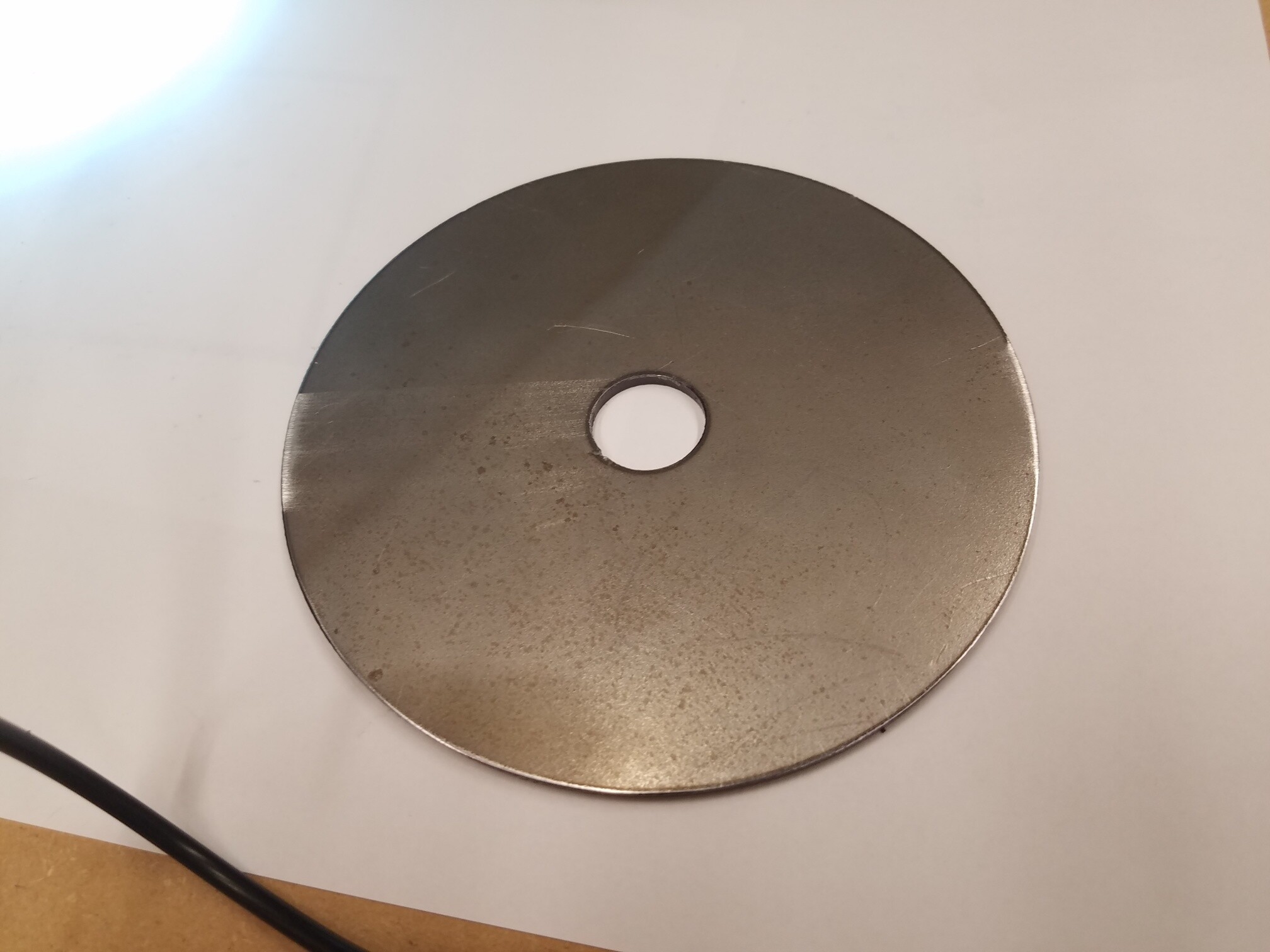
The dimensions on the trace dxf are very close to the actual measured dimension of the part. I have traced several other round objects with similar results.
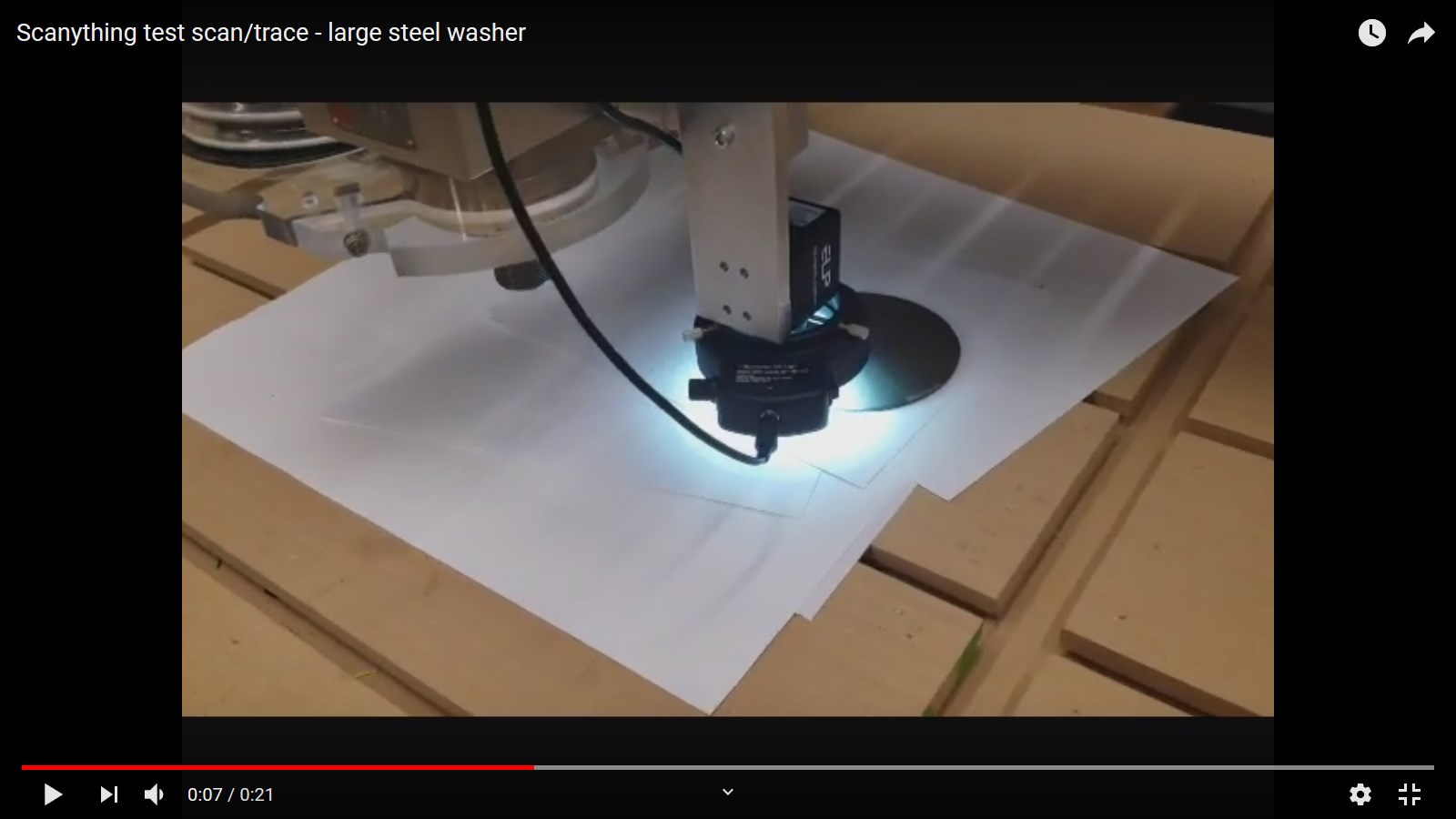
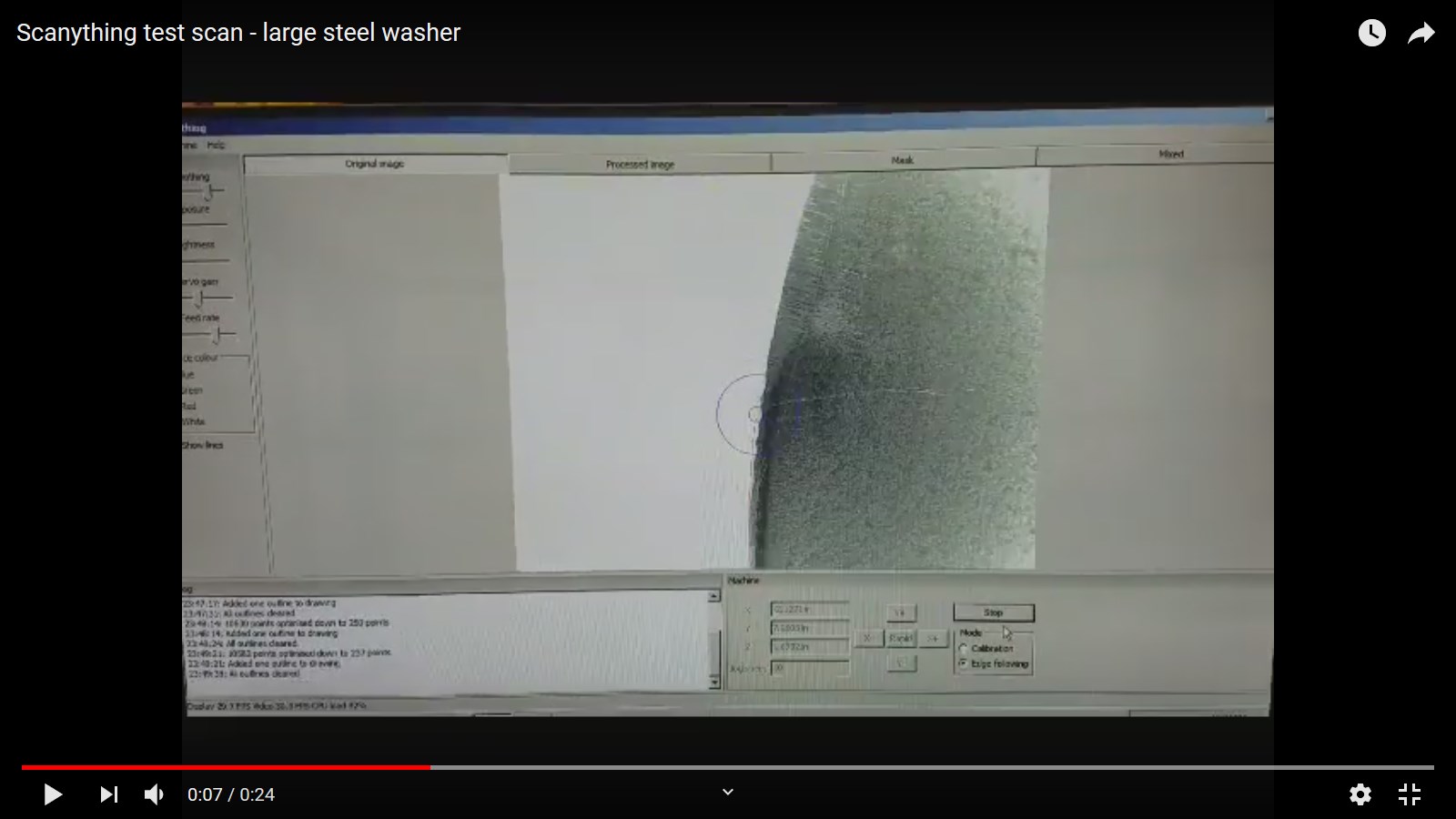
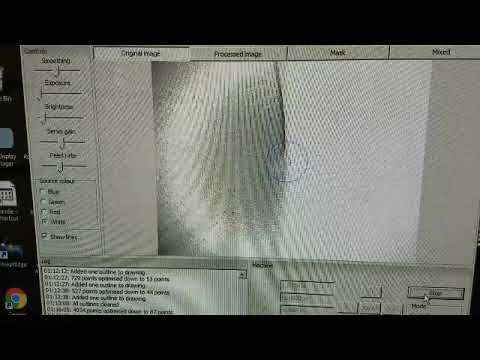
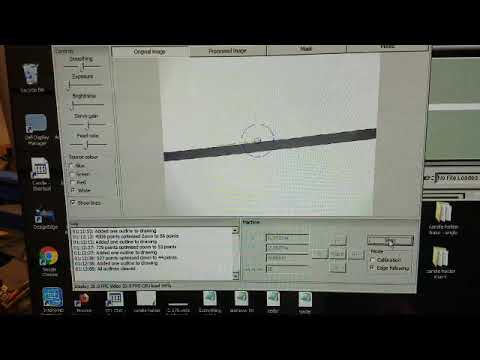
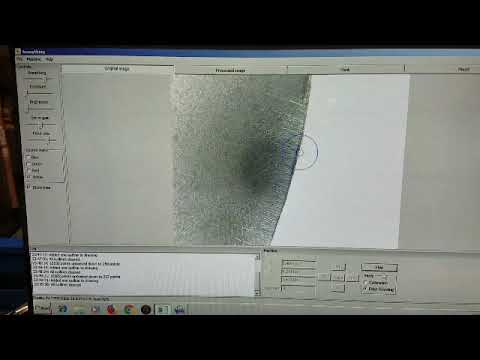
Here are several videos I took. I do normally look at the Mask view when calibrating and adjusting the levels, but I enjoy watching the Original Image when scanning. I still have the same problems as before when tracing/scanning the shiny wrenches. Perhaps this is due to reflections from the wrench that cause problems at higher feed rates. I may buy some of the black hair spray you recommended to see if that helps, but I’m OK with just going slower with problem parts. I have the Z height set so that the camera is about 3/4" above the table, which seems to work pretty well for me. I purchased a 25 ft. active USB extension cable
https://www.amazon.com/gp/product/B07P8X2MRX/ref=ppx_yo_dt_b_asin_title_o09_s00?ie=UTF8&psc=1
along with a 33 ft. extension cable for the camera LED light ring
https://www.amazon.com/gp/product/B075HFHBK5/ref=ppx_yo_dt_b_asin_title_o08_s00?ie=UTF8&psc=1
so I could run the cables thru the cable tracks on my table. Everything seems to work great with no apparent problems due to the long USB extension cable.
Thanks for all of your help!
David
Thanks for the camera suggestions, Les. I too am using the Supereyes camera, and yes, it can be a booger to get a good image. I’ve found the following cameras on US Amazon. These seem to be the same cameras you suggest, for US based users. I find ScanAnything to be one of those “rarely used, but sorely needed” items. I haven’t used it in a few years, but when I needed it, I REALLY needed it. Well worth the minor investment, IMO.
Calibration can be a PITA, but IMO a big portion of it is getting the new users to realize that Camera XY MUST be correctly oriented with Table XY.
https://smile.amazon.com/dp/B01N8YH5VY/ref=cm_sw_r_tw_dp_U_x_2osDEbPJF3B4X
https://smile.amazon.com/dp/B07VDRGP61/ref=cm_sw_r_tw_dp_U_x_3osDEb8S29SPC
Yes, that camera should work. All of the ELP cameras I’ve tried worked pretty well.
I agree the orientation is a problem. The new version I’m working on automatically detects if the camera is rotated 180 degrees and compensates.
This is the camera I ordered from Amazon:
https://www.amazon.com/gp/product/B07R4CLRQH/ref=ppx_yo_dt_b_asin_title_o03_s00?ie=UTF8&psc=1
And this is the LED ring from Amazon that I am using:
https://www.amazon.com/gp/product/B07ZRJQ177/ref=ppx_yo_dt_b_asin_title_o03_s00?ie=UTF8&psc=1
I have discovered that as long as I leave the camera distance to the template unchanged, and pretty much use the same settings for Smoothing, Exposure, Brightness, and Servo Gain that Scanything does not require calibration every time I turn on the system. I can wait several days or more and come back and power up the system and it seems to remember the calibration settings. If I change to a thicker (or thinner) template, then I just make small adjustments to the camera to target Z distance to achieve the best focus for the Original Image.
But when I do run the Calibration, it seems to run correctly and calibrate on the first try. Sometimes I have to make a small adjustment to the Brightness setting to get it to work. I am running the camera aperture stop wide open, with the Scanything Exposure set to the minimum level, and Brightness almost all the way to the minimum setting. These settings seem to work very well for me.
David
Les - that will be a great improvement and convenience. There is one other feature I would like to see, which would be more of a convenience for testing. That would be a resettable timer that measures the elapsed time to do a trace (or partial trace if it loses lock on the edge).
Thanks,
David