Good day.
I would like to pierce single points into metal, I reviewed this video > https://www.youtube.com/watch?v=pPwvYN_Hn6s
I imported a file with 2 points (use point for drill box selected)
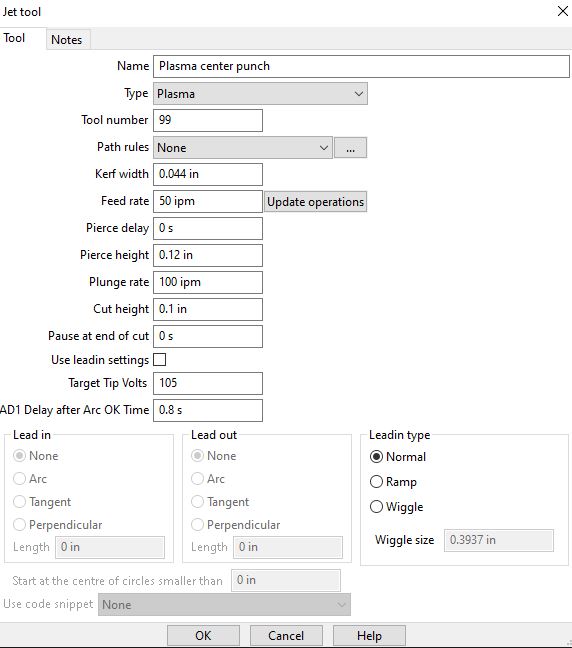
created a new jet tool (attached)
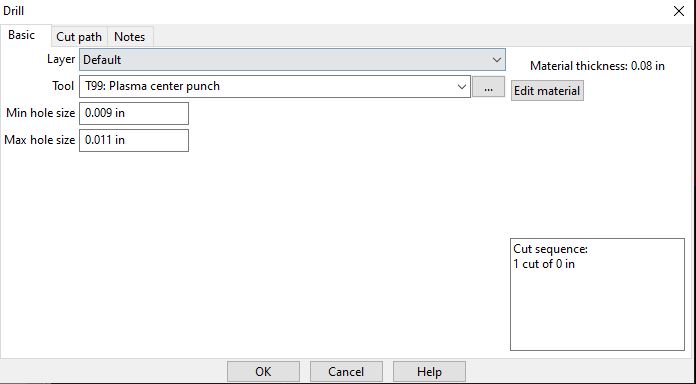
select a drill operation with the new plasma tool (attached)
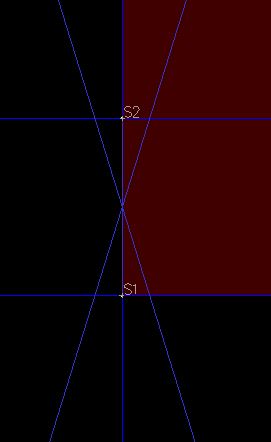
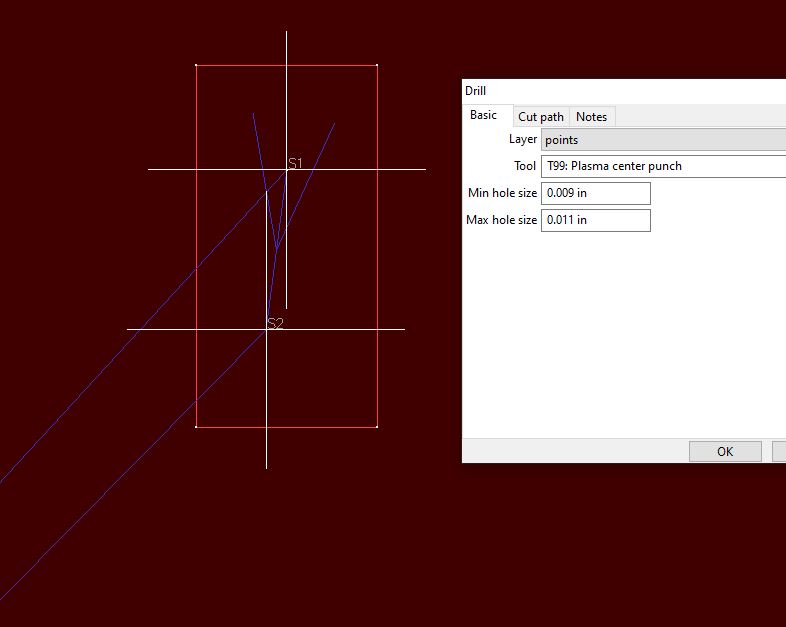
but the 2 points have S1 and S2 with a big X in the middle.(attached)
could be any number of things.
does your .scpost have OnDrill() customized ?
pierce delay is 0. Does the torch fire at all ?
pierce hight - cut height is only 0.020", that’s going to be quick.
best if you post your .job file and .scpost file, and the .nc file you’re getting. Easier to diagnose than Q & A back and forth.
you also have the first “shape” at 0,0 it appears. I seem to recall some obscure SC bug a few months ago when the first start point is at 0,0, and that was about the time I was customizing my OnDrill() function and testing it. Try moving the part off 0,0 origin before we go to far down this diag road.
Good day.
I moved the points that was not 0,0…same results.
I changed the pierce delay and nothing.
When I run it in Mach4 it just lifts the z …cycle thru the code and there it sits
Postp attached, job file attached Avid CNC Mach4.scpost (13.8 KB) Drillfail.job (20.2 KB)
I’ve always used a circle of any size (so could be tiny circles), and then you need to ensure the “min. hole size” and “max. hole size” values are smaller and larger respectively than the circle diameter.
so I simply added this simple template example of OnDrill() and it produced gcode, however I don’t know the gcode stmts for this controller so I don’t know if its correct. But you can tweak the OnDrill() function if need be at this point.
function OnDrill()
   OnRapid()
   OnPenDown()
   endZ = drillZ
   OnMove()
   OnPenUp()
   endZ = safeZ
   OnRapid()
end