I experienced several times, when I tried to add a new custom shape, my list of custom front-beam.dxf shapes are deleted by unknown reason.
I would like to have list of custom shapes independent from ‘save .job’. Once when I added list of 20 custom shapes I would like to have them for any new .job. Me and my clients are experienced this behaviour.
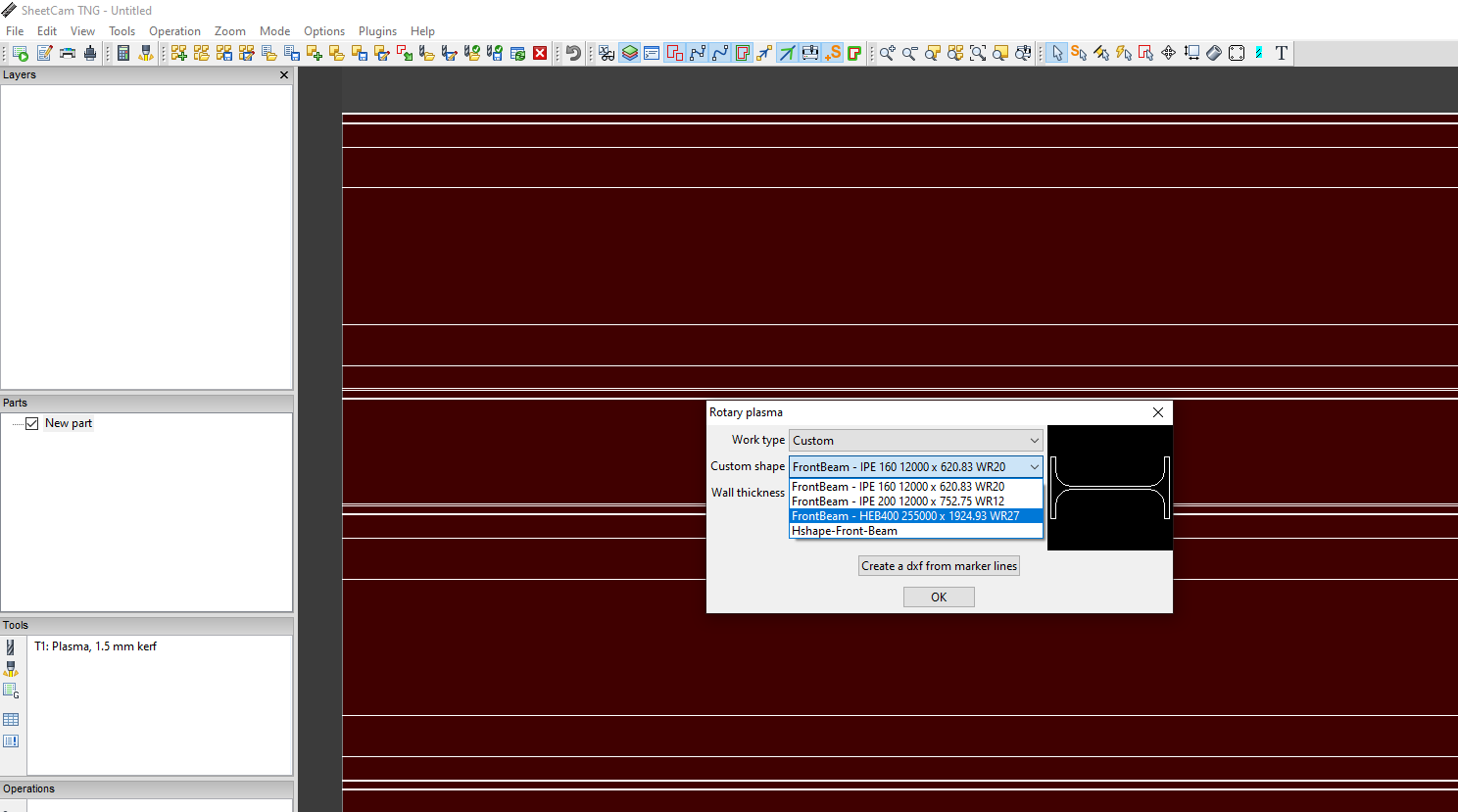
Those custom rotary shapes that you create are stored in file ‘default.shapes’ in the user data settings folder. Open the folder via sheetcam menu Help / ‘Open settings folder’. Windows or linux file manager will open the folder, and it’s independent of sheetcam, so you can close sheetcam and still have access to the folder. Make period backup copies of that file or entire folder if you like, but do it after closing down sheetcam so it flushes I/O buffers, writes the files, and closes all file handles.
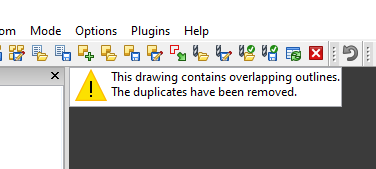
This happen when user accidentally add already existing contour. Then SheetCam rise a warning, but reloading is not finished properly (I am presume I/O write error occur) and the whole list is gone (not always).
So from this window you select as noted ? …
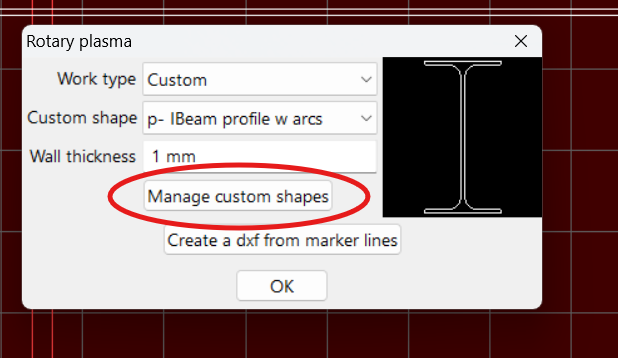
then you select as noted ? …
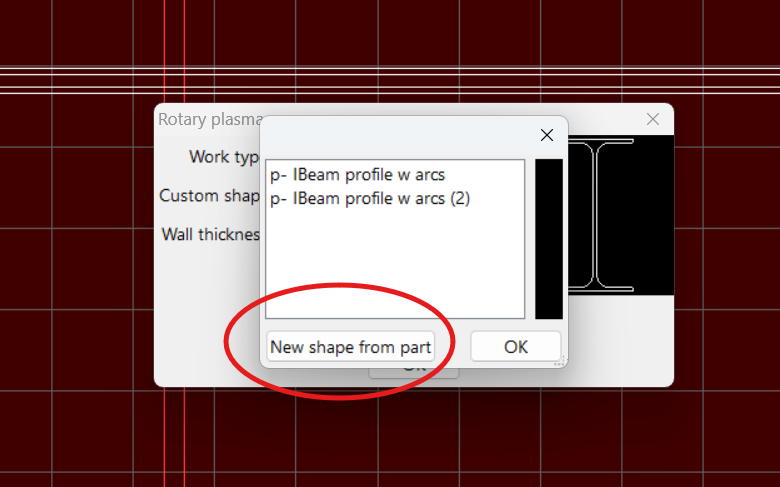
Then you get the warring as you show ?
As you can see, I can’t reproduce that behavior, I actually have a second custom shape created as “name(2)” . No warning.
I believe you are getting that warning upon File / ‘Import drawing’ function. Sheetcam is warning you that parallel duplicate/overlapping lines exist in your dxf or svg imported file, and sheetcam has removed duplicate lines per your sheetcam setting to do so. See menu Options / ‘Application options’ / ‘Drawing import’ as noted below.
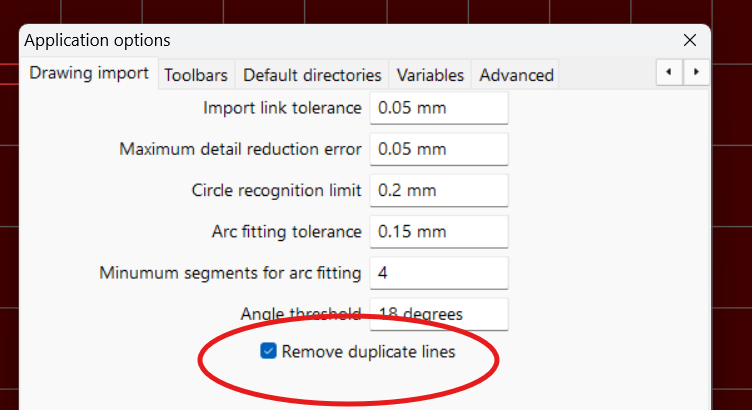
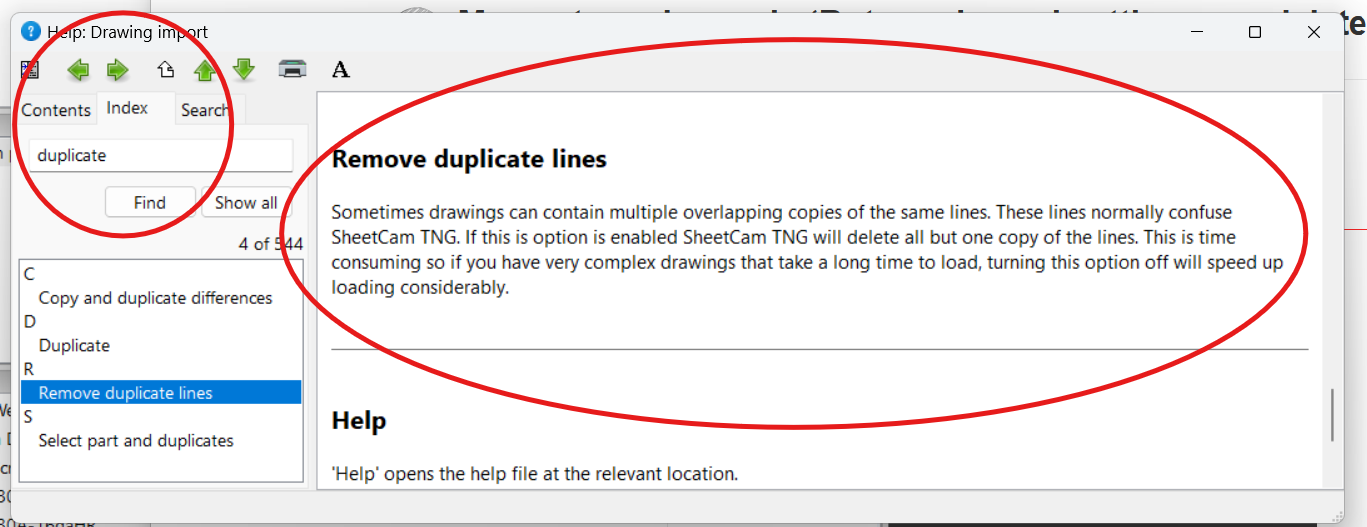
Follow up to my last post, although I did not get the OP’s warning msg when attempting to add the same dxf as a custom rotary shape, I did just get the same warning upon a restart of sheetcam after having shut it down. When I then look in the rotary custom shapes choices, the previously duplicated shape name(2) is now removed, leaving just the original named custom shape.
I’ll have the dev team open a bug ticket since the OP mentions at times all custom shapes are removed, and other times not. But it seems the behavior to remove the duplicate shape is intentional, just bugging as to going about it.
Thanks for reporting.
btw- this occurred to me in sheetcam stable v7.0.21
Yes indeed. SheetCam stable v7.0.21. Exactly, after shut down and new app run
“When I then look in the rotary custom shapes choices, the previously duplicated shape name(2) is now removed, leaving just the original named custom shape.” Yes, this is scenario when everything is ok, but sometimes I got blank list for some reason and I cannot figure out why. Later on, even when I replace with a backup default.shapes file custom shapes list gets blank. Thank you for the answer.