Good morning everyone,Andre from Brazil here. I have a client who uses the Rotary plugin in SheetCam and wants to cut H-beams, but I don’t know how to configure SheetCam for this. I tried using almost all of the post-processors, but none of them worked efficiently. I miss having a manual or tutorial that could teach my clients how to work with tube cutting and H-beam cutting. If someone can help me, I would be very grateful. I’m using version 7 of SheetCam; everything works, both SheetCam and the plugin, the problem is with the settings and how to work with the file.
@andrepereira , more information will be needed to help you.
Are you the manufacturer of this CNC ?
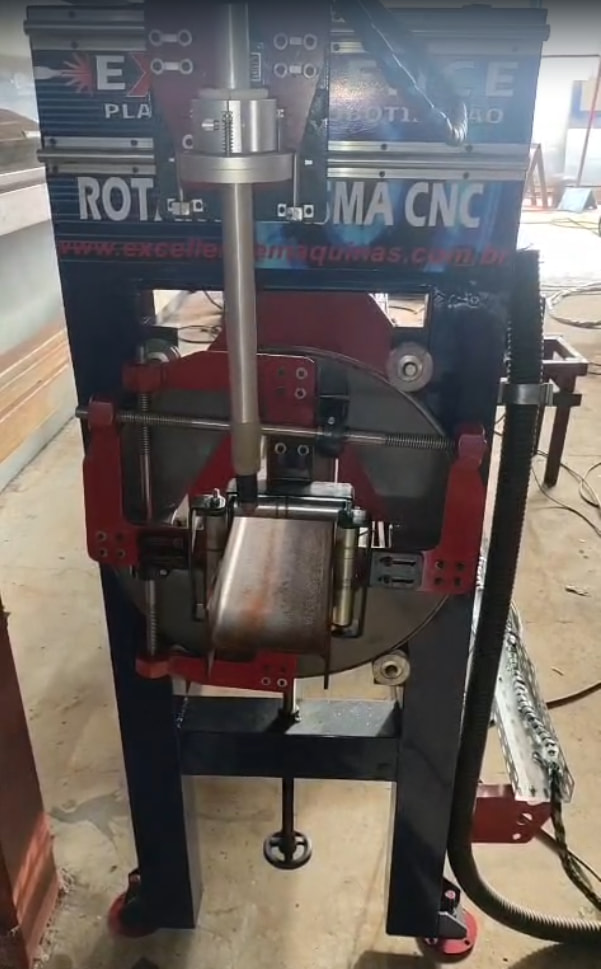
I found the following rotary video demo on the mfg website- https://exellencemaquinas.com.br/
https://youtu.be/LFgsag7GrjU?list=TLGG1dFT0l2HUycxOTAzMjAyNg
So it seems the mfg knows how to cut sq. tubing, but I don’t know if sheetcam is used. Have you contacted them for advice ?
Cutting H-beam (similar or same as I-beam) does require more testing (simulation in sheetcam) and dry runs on the CNC, to get the toolpath correct at first, so you can discover the complications. Mainly, complications are with cutting through the inside flange corners of the I-beam, which presents collision problems if you design your toolpath to roll around the inside corner. To compensate for possible collision, you have to plan your cutoffs carefully using at least 3 cuts: 1 each on outside surface of top and bottom flange, and 1 on the web. Draw your toolpath line on the web to stop short of the inside flange corners before a torch collision with the flange will occur.
Hi bLouChip, thank you for reply.
The rounded and squared tube is ok. The main problem is to the I-beams and H-beams. Wich parameters do I need to configure, wich post processor is better to use, how to start with the design proccess?
I mean, if some manual is available it would help to start understanding how I catch the design, configure parameters and generate the G code, even when in simulation before generating the g code.
you should be able to use the same pp that you use for round and sq pipe.
in menu Options / Rotaryplasma, select the ‘I-beam’ rotary profile and set the profile parameters. That’s it.
Thank you,
But what about the better post processor ? The best one to fit the I-beam proccess.
The client told me he tested almost all of them in the list.
I’m sorry but I don’t know how I can help further, we don’t seem to be understanding each other perhaps.