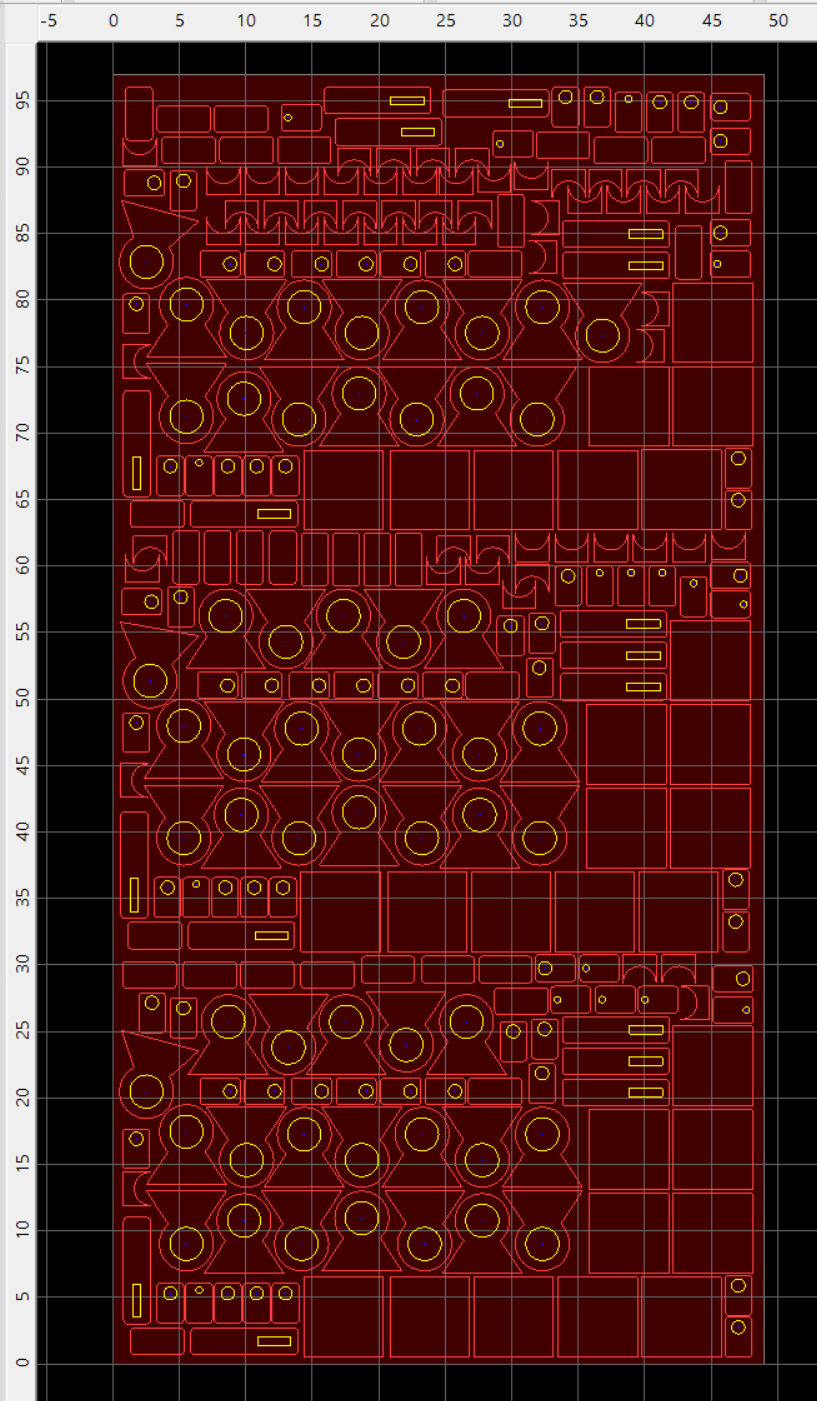
Hoping someone might be able to help. Using a valid plasma or router job file and changing the post processor to dxf, changing the cut path to no offset, no lead in or out, no depth settings, no path rules and no snippets. Run the post post processor and successfully create a post. Try to load that .dxf file in SolidWorks or Corel and get nothing or an invalid or incomplete dxf file error message but Sheet CAM will happliy load the output .dxf file.
Anyone have any ideas as to what I am not doing correctly to get a valid .dxf file?
Thanks in advance
Andy P
example cut plate.zip (33.9 KB)
this doesn’t make sense. sheetcam post processors are meant to produce gcode for consumption by CNC controllers.
again, this doesn’t make sense. I assume you mean you successfully created a gcode file.
I tried loading your dxf into Lightburn (my CAD); although it did not throw an error, it only imported 4 of the shapes.
As for sheetcam, it imports your dxf as a full 4’ x 8’ sheet of nested shapes as seen here…
I assume this is correct. If so, sheetcam is operating fine. Consider asking your question on the CAD forums that don’t correctly import your dxf.
Thanks for the replies.
I am trying to save time by not having to CAD the nested sheet created in SheetCam by exporting it as a .DXF.
There is a post processor in SheetCam that is supposed to do exactly that and export the nested view as a .dxf…I am simply trying to get it too work by looking for input and possible experience from others that have used it or tried it.
Thanks anyway
That’s very interesting, I didn’t know. Can you upload the pp here and I can take a look and perhaps help. I’m curious about this.
Can you explain further how you “…nested sheet created in Sheetcam” v6.x ?
I know how to duplicate Parts, drag and arrange Parts, Array Parts, in sheetcam. But your dxf would have to be a mish-mash of all the above, a lot of manual Part arranging and partial Array building. There does seem to be a 2x pattern of a block of shapes in the bottom 2/3rds of your sheet, and the top 1/3rd is somewhat of a hacked copy of that block as well. Is that right ?
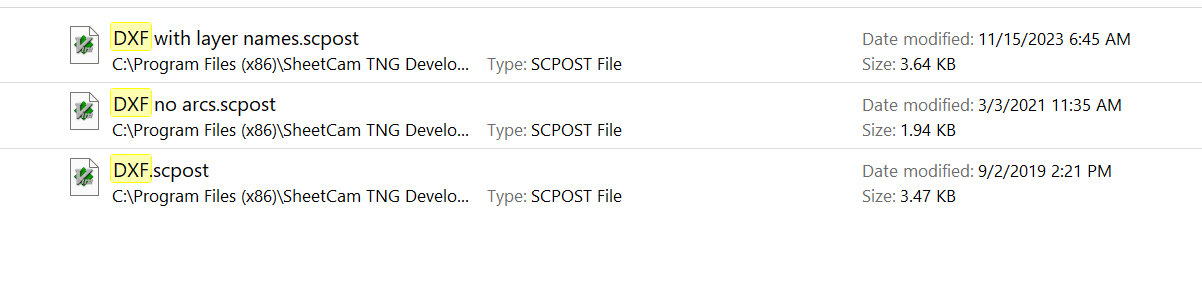
I think I found the pps in the sheetcam install pp folder…
are these correct ?
Hey there. I only have the last one in your list due to the old version of SC that I’m running.
Re. The nesting, actually just manual part duplication and manipulation, not true “nesting” and yes a hacked copy as you surmised.
Just don’t want to duplicate this in SW to create a .dxf if I could export. Maybe I’ll try an import of the .dxf that corel and SW won’t load into inescapable, gotta be a simple change somewhere if it loads into SC.
Thanks again.
try the other two dxf pps (uploaded below), it could be they were built since v6.x to fix the problem you have discovered in the original.
DXF no arcs.scpost (1.9 KB)
DXF with layer names.scpost (3.6 KB)
Thanks for those, I’ll give them a go. Appreciated!
Me again. finally figured the error I was making. even though in my cut operation no rules was selected, the posts still had s10 and s20 entries. Went to the “job options” in SC, deselected the checked rules in the path rules tab, left the operation as no rules…et voilá…success!
Thanks for your support and the SC post files. I shall continue to experiment with the other dxf posts but I think I have a solution to my original dilema
Cheers!
Hi, I’m not sure if I understand completely. But a post processor only creates G-code as in .nc or an .iso (conversational) file for your plasma or VMC to read. A .dxf is the geometry created in a cad system. It is not yet ready for post. In SheetCam you may need to remove any cut processes on your cad drawing and save only the geometry as a .dxf file. I’m no expert and I’m not sure if this will help. Sorry in advance.